Demo mode r
The appliance can be demonstrated in
the showroom or at exhibitions in
"Demo mode". In this mode the control
panel and interior lighting are active but
the compressor remains turned off, so
that the appliance does not cool down.
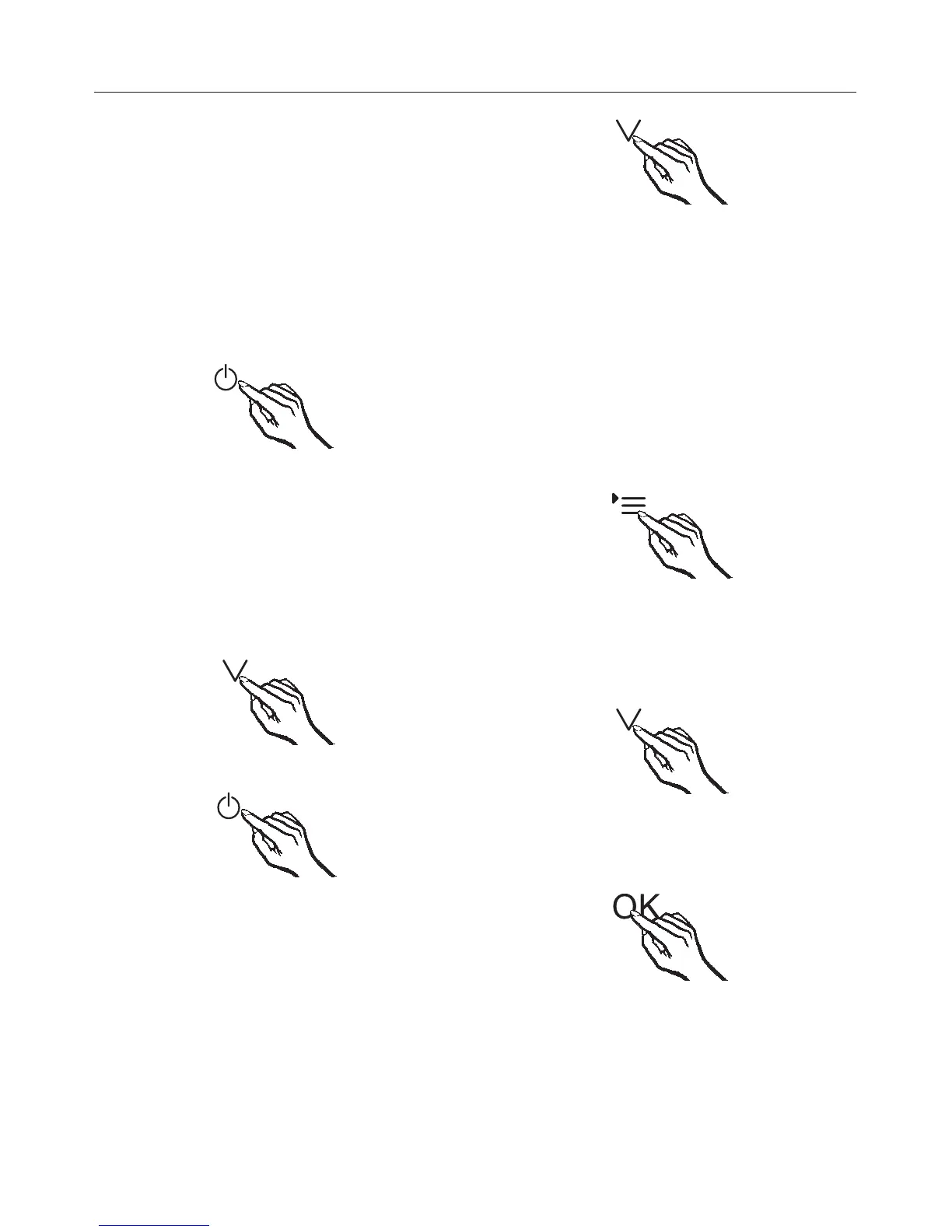
Turning on Demo mode
^
Turn the appliance off by touching
the On/Off button.
The sensor buttons for the two wine
conditioning zones will then go out.
The temperature display will go out and
the electrical connection symbol t will
appear.
^
Press and hold the X button.
^
At the same time, briefly touch the
On/Off button (without letting go of
the X button).
^
Keep your finger on the X button until
the r symbol appears in the display.
^
Then, take your finger off the X
button.
Demo mode is turned on and the r
symbol is illuminated in the display.
Turning off Demo mode
The r is illuminated in the display.
^ Touch the settings button.
All symbols available for selection
appear in the display and the 0
flashes.
^
Touch the buttons for setting the
temperature (X or Y) repeatedly until
the ) symbol flashes in the display.
^
Touch the OK button to confirm your
selection.
1 flashes in the display (Demo mode is
active) and the r symbol is illuminated.
Information for dealers
46




 To Next Page