Selecting a temperature
^
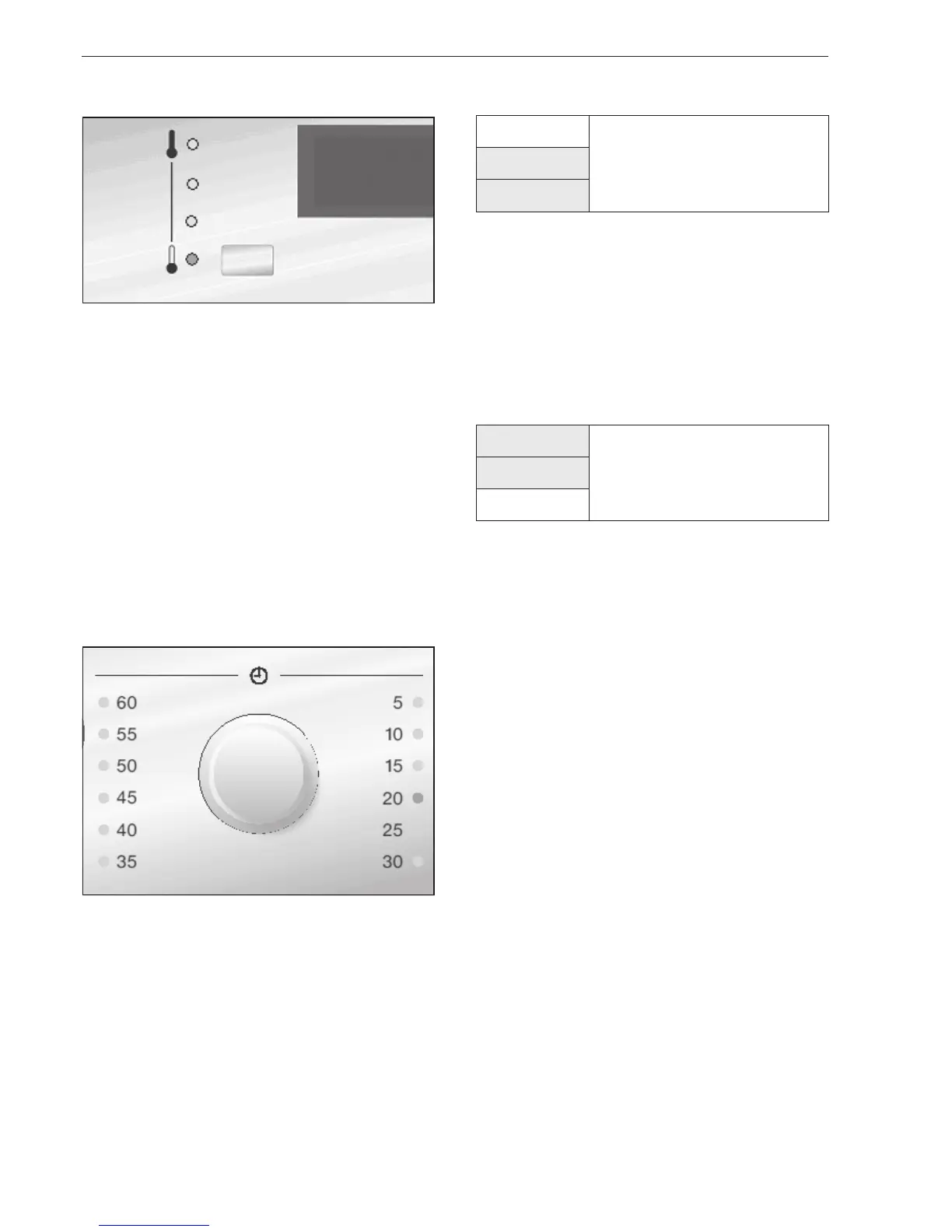
Press the temperature selection button and select
the required drying temperature -
Cold, Low, Medium, High.
The corresponding LED will light up.
Cottons
Cotton and linen fabrics can be dried at any
temperature, including High.
Minimum iron
Synthetic and mixed fibre fabrics can be dried at a
maximum of Medium.
Delicates
Dry synthetic and rayon fabrics using the Low
temperature setting.
Use the Cold temperature for airing textiles.
Selecting a drying duration
^
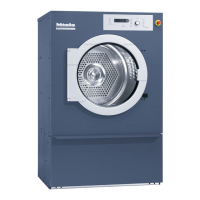
Set the drying duration you require with the u Time
selection rotary dial.
The corresponding LED will light up.
The segment display shows the selected programme
duration in minutes.
^
Press the START/STOP button.
The drying programme will begin.
The segment display shows the time left until the end
of the programme in minutes.
! Drying
L Cooling down
O Programme finished / Anti-crease
The programme sequence is displayed in three
stages. The stage the programme is at will be
highlighted in yellow.
Programme finished
At the end of the programme a buzzer will sound to
indicate that it has finished. " 0 " will appear in the
segment display.
This is followed by a cooling-down phase.
! Drying
L Cooling down
O Programme finished / Anti-crease
If laundry is not removed as soon as the programme
finishes, the anti-crease phase will begin.
The drum will rotate at brief intervals to keep the
laundry from creasing.
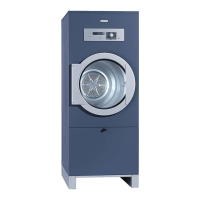
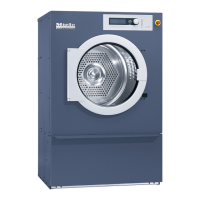
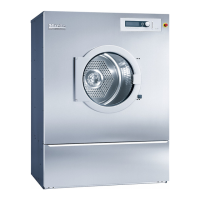
Dryers PT 8251, 8331, 8401
12
High
Medium
Low
Cold



 To Next Page