Programmable functions
79
Programming
You can use the programmable
functions to alter the dryer's
electronics to suit your requirements.
Programming is carried out in these
steps (, , ... ) using the sensor
buttons.
Accessing the programming level
Before you begin, ensure the following:
- The program selector is turned to a
program.
- The door of the dryer is open.
Touch the Start/Add laundrysensor
button and hold it down while
carrying out steps –.
Close the tumble-dryer door.
Wait until the Start/Add
laundrysensor button, which will
now be flashing quickly, lights up
constantly...
...and then release the Start/Add
laundry sensor button.
will light up on the time display.
Choosing and selecting
programmable functions
The number of the programmable
function will appear on the display
as and a number:
e.g.,.
Touch the or sensor control to
scroll to the next or previous
programmable function:
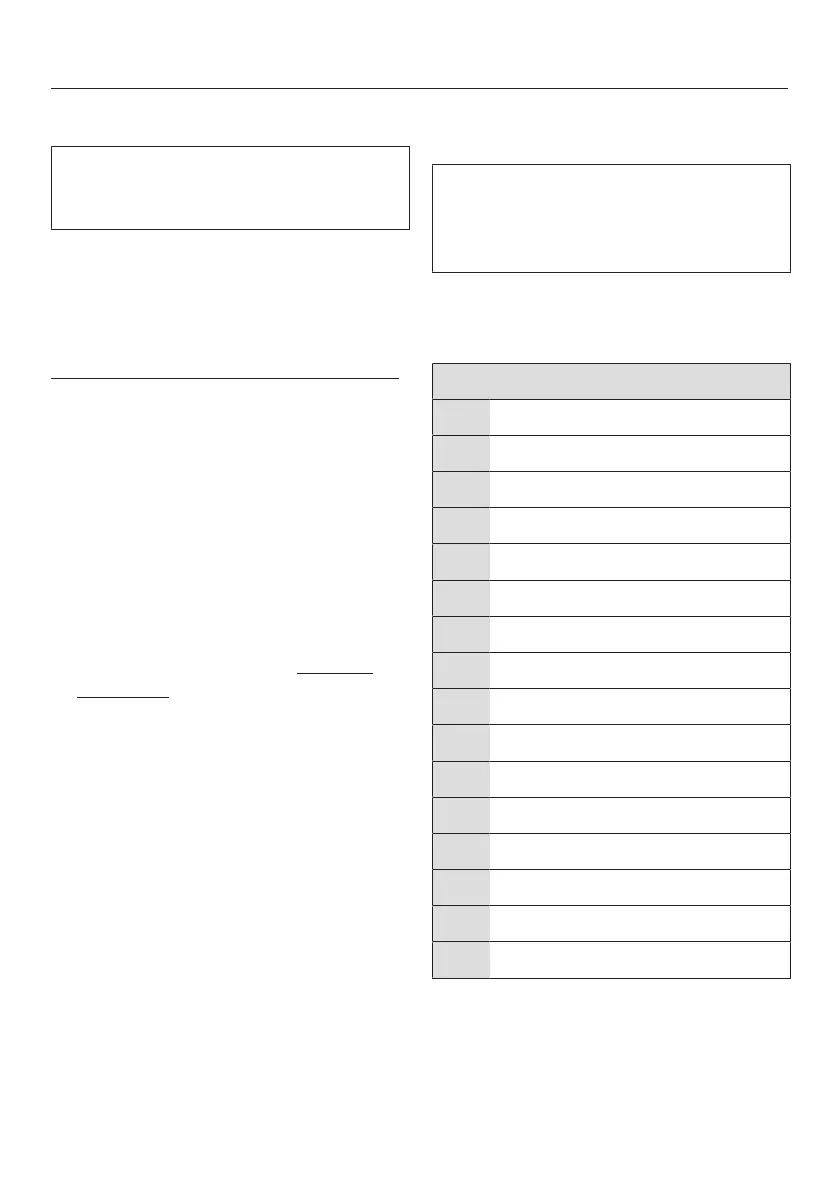
Programmable function
Normal drying levels
Wrinkle-free drying levels
Buzzer volume
Keypad tone
PIN code
Conductivity
Control field shutoff status
Memory
Anti-crease
Buzzer on
Airways indicator
Display brightness dimmed
* RemoteUpdate
* Remote control
* SmartGrid
Factory default
*only visible after networking
Confirm the selected programmable
function by touching the Start/Add
laundry sensor control.


 To Next Page