Adding or removing laundry
after a programme has started
^
Press the Door button to open the
drum door.
^
Add or remove items.
^
Close the drum door.
The programme will continue
automatically.
Please note:
Once a programme has started the
machine cannot recognise any
adjustment to the load.
For this reason, if laundry is added or
removed after the start of a programme,
the machine will always complete the
programme cycle assuming a full load
which can lead to a change in the
programme duration shown in the
display.
The door cannot be opened, if:
–
the suds temperature is above 55°C.
–
the water is above a certain level.
–
the programme has reached the
Final spin stage.
If you press the Door button when the
above conditions are present, the
following will appear in the display:
Door locked
Safety lock
The safety lock prevents the machine
from being opened or the
programme cancelled during a wash
programme.
To activate the safety lock
^
Press the Start/Stop button in after
the programme has started.
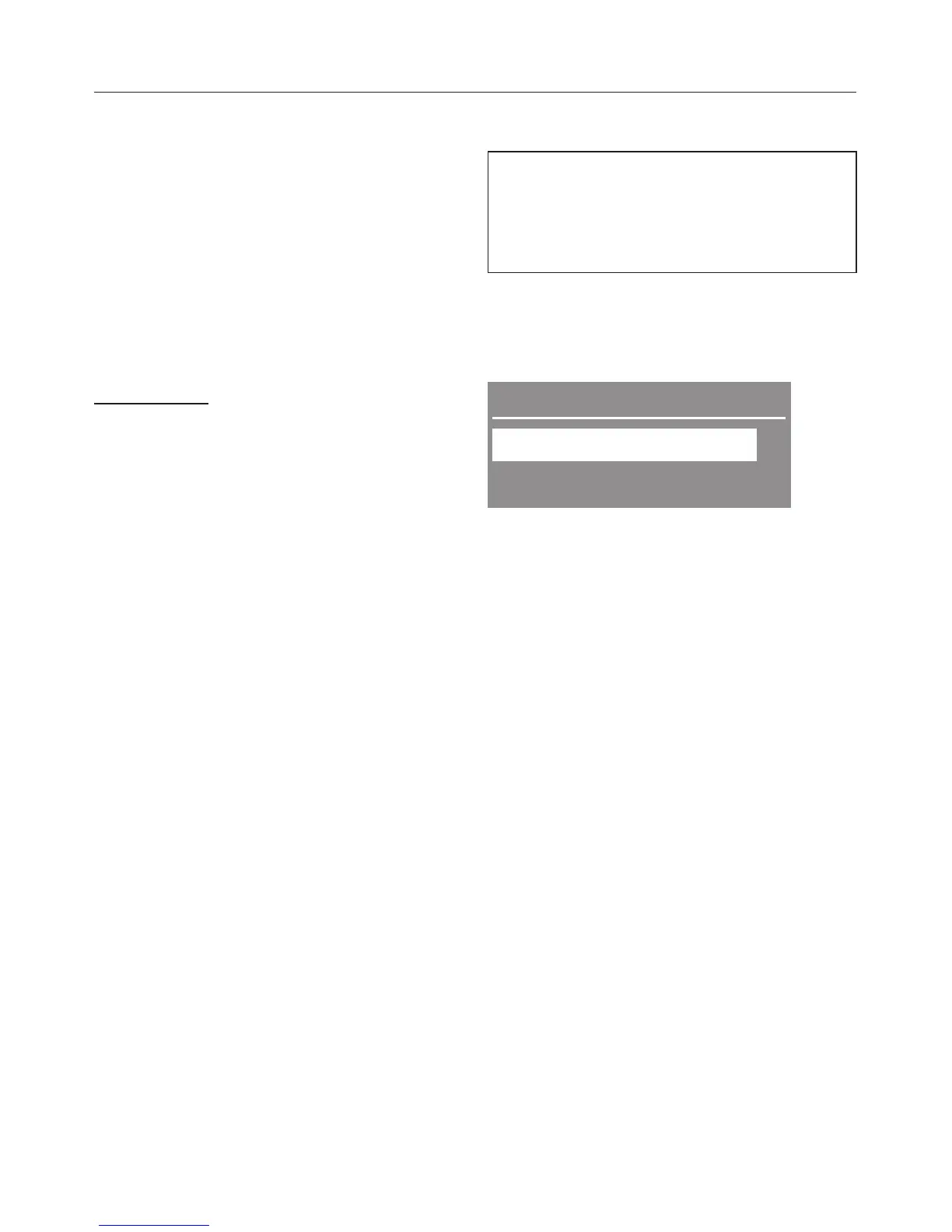
Options
Activate safety lock
;
Back # ,
^ Press the X button until Activate
safety lock is highlighted and confirm
by pressing the OK button.
The following will appear in the display:
0 Locked
The safety lock is now activated. It is
deactivated automatically at the end of
the programme.
To deactivate the safety lock
^
Press the Start/Stop button.
The following will appear in the display:
Deactivate safety lock
^
Press the OK button. The following
will appear in the display:
1 Unlocked
Changing the programme sequence
36



 To Next Page