10. Remove the laundry
The "Status" indicator "Anti-Crease /
End" will be displayed at the end of a
program.
^
Use the "Door" button to open the
drum door.
Do not attempt to remove laundry
from the washer if the drum is
turning. You may seriously injure
yourself. If the drum turns with the
door open, contact Miele’s Technical
Service Department.
^ Remove the laundry.
^
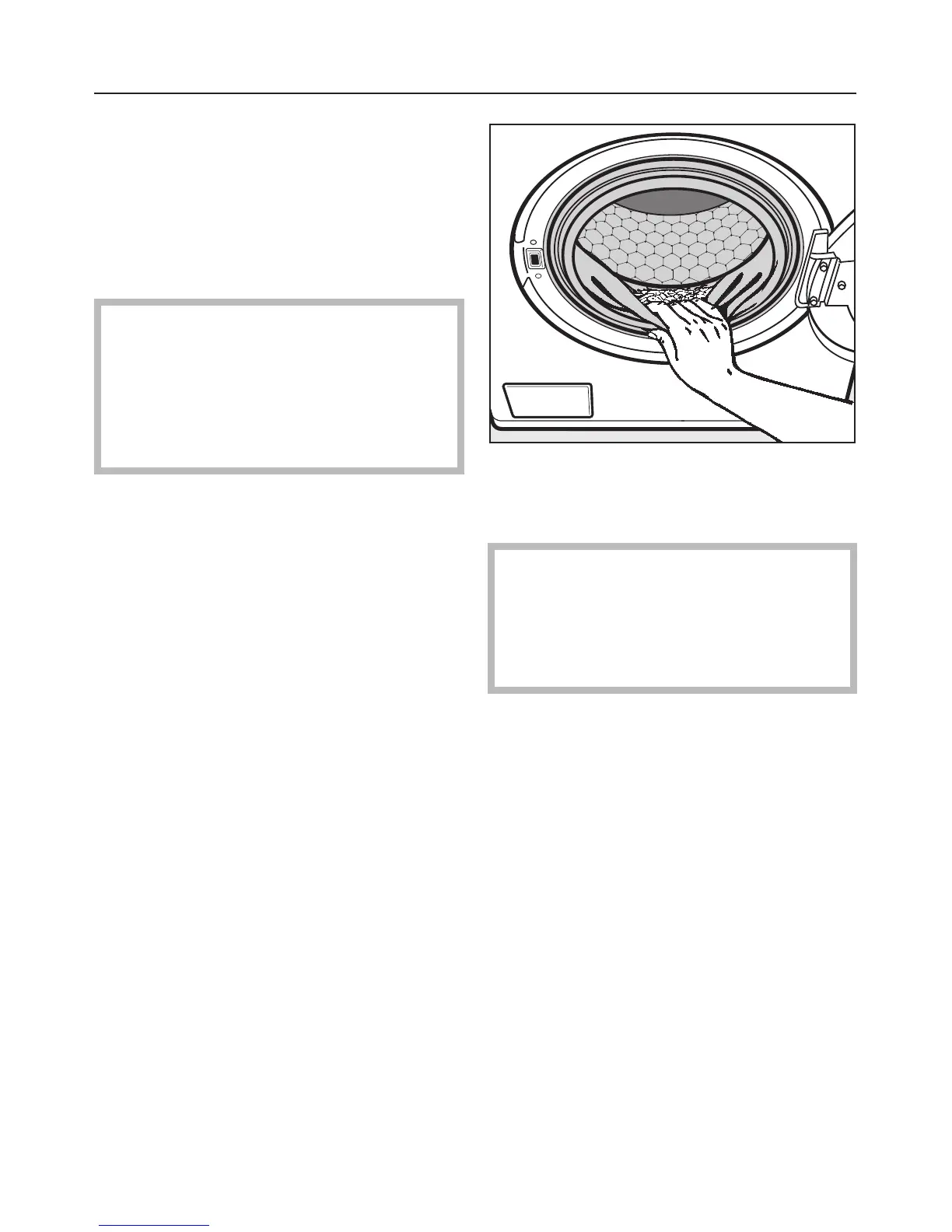
Check the folds of the door seal for
any small articles which may have
been trapped.
Check the drum for any missed
pieces of laundry. Items
inadvertently left in the washer may
be damaged (e.g. shrink or discolor)
during the next wash cycle.
^ Turn the washer off using the "On/Off"
button.
^
Close the drum door.
Using the washer
20



 To Next Page