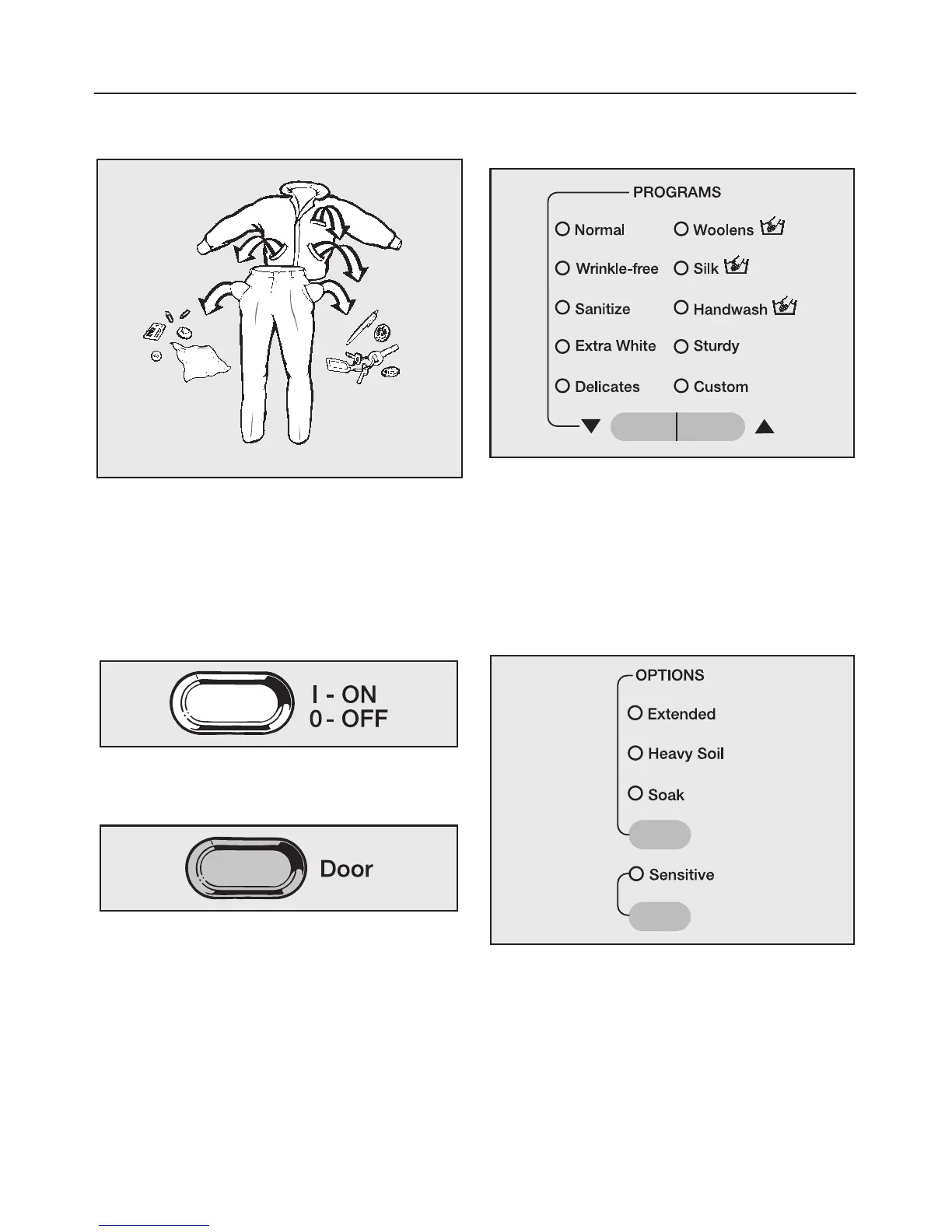
1. Sort the laundry.
^ Empty all pockets.
^ Sort the laundry by fabric and color.
^ Pretreat stains.
2. Load the laundry
^
Turn on the washer using the "On/Off"
button.
^
Open the drum door by using the
"Door" button.
^
Load the laundry.
^
Close the drum door.
Make sure clothes will not be caught by
the door.
3. Select a program
^ Select a desired program.
Refer to the "Program guide" to
determine which program is most
suitable for the load being washed.
4.Select wash options (if needed)
^
Press the upper button until the
indicator of the desired wash option
lights.
^
Press the lower button to select the
"Sensitive" wash option.
Quick Guide



 To Next Page