Guide to the machine
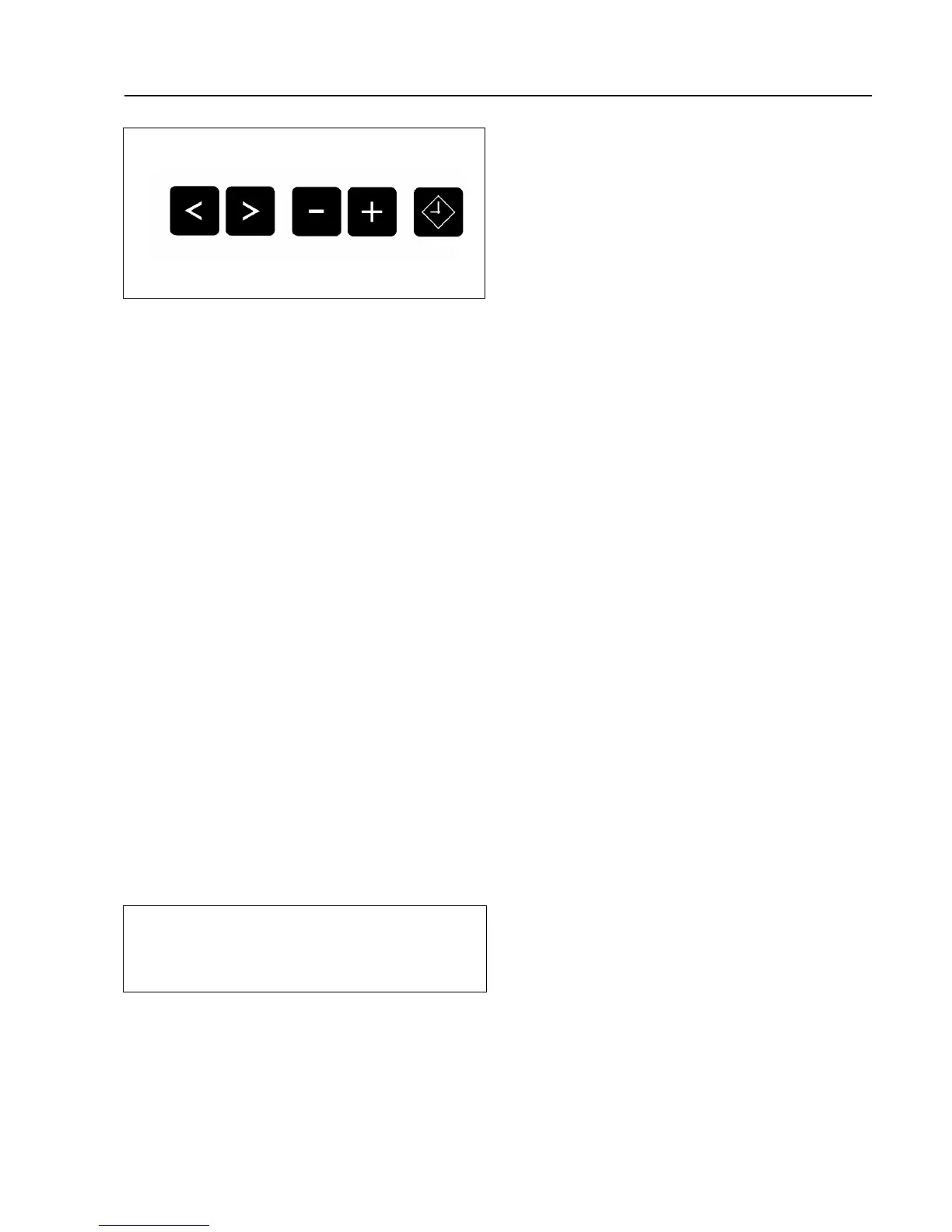
Cursor buttons 1 2
The cursor buttons are used to pass
backwards or forwards into the input
fields or into the next display, (this ap-
pears as > < flashing in the display).
After the start of the programme it is
possible in Stop mode to scroll block by
block backwards or forward in the pro-
gramme. Pressing continuously on the
button scrolls quickly through the blocks.
Plus-/-Minus buttons 4 3
Once an input field has been selected it
is possible to make a modification. Press-
ing continuously on the button scrolls
quickly through the blocks.
Delay start button W
If this button is pressed before the start
of a programme, the display indicates
that a start time should be selected. If
the button is pressed again the Delay
start option is cancelled.
If the button is pressed after the start of a
programme the current time of day and
date are shown.
9 Optical interface
Data transfer to and from the machine’s
controls and a PC can take place using
the relevant software. The optical inter-
face on the machine’s control panel pro-
vides the connection point.
9
11 M.-Nr. 05616270



 To Next Page