User Manual
www.milesight.com
16
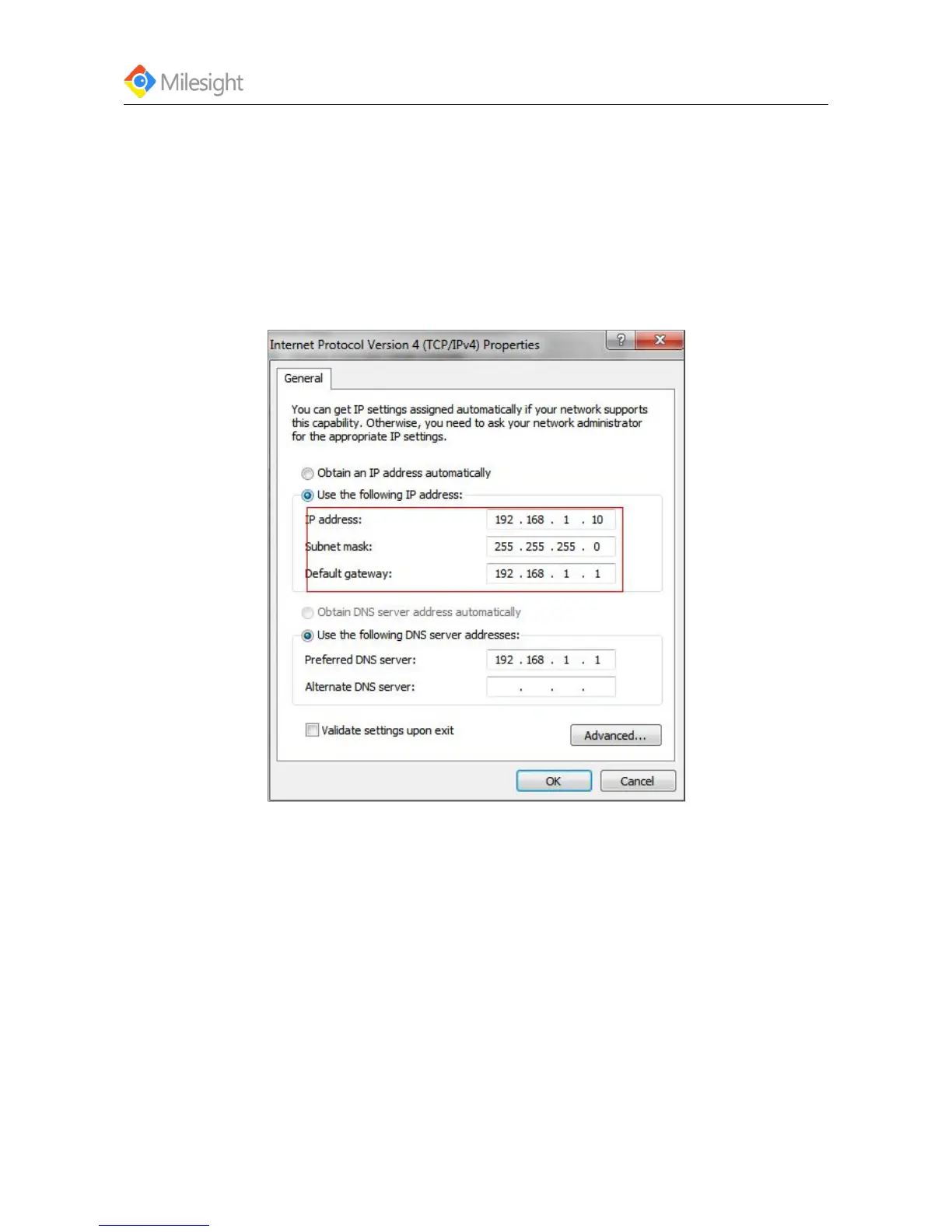
Figure 3-7
3.1.2 Assign An IP Address Manually
If the network segments of the computer and that of the camera are different, please follow the
steps to change the IP address:
Step 1: Change the IP address of computer to 192.168.5.0 segment.
a. Start-> Control Panel->Network and Internet Connection->Network Connection->Local Area
Connection, and double click it. (See Figure3-8)
Figure 3-8
b. Click “Advanced”, and then click “IP settings”->”IP address”->”Add” (See Figure 3-9). In the
popup window, enter an IP address with a same segment with Milesight network camera (e.g.:
192.168.5.61, but please note that this IP address shall not conflict with the IP address on the
existing network), see Figure 3-9.











 To Next Page