User Manual
www.milesight.com
25
○
16
Play Audio
Enable Audio Input/output. It can also be set
in Audio configuration page
○
17
Enable Zoom
When enabled, you can zoom in on a specific
area of video image with your mouse wheel
○
18
E-PTZ
Able to use PTZ to move the position(only
support under 720P with MS-C26XX or
MS-C36XX)
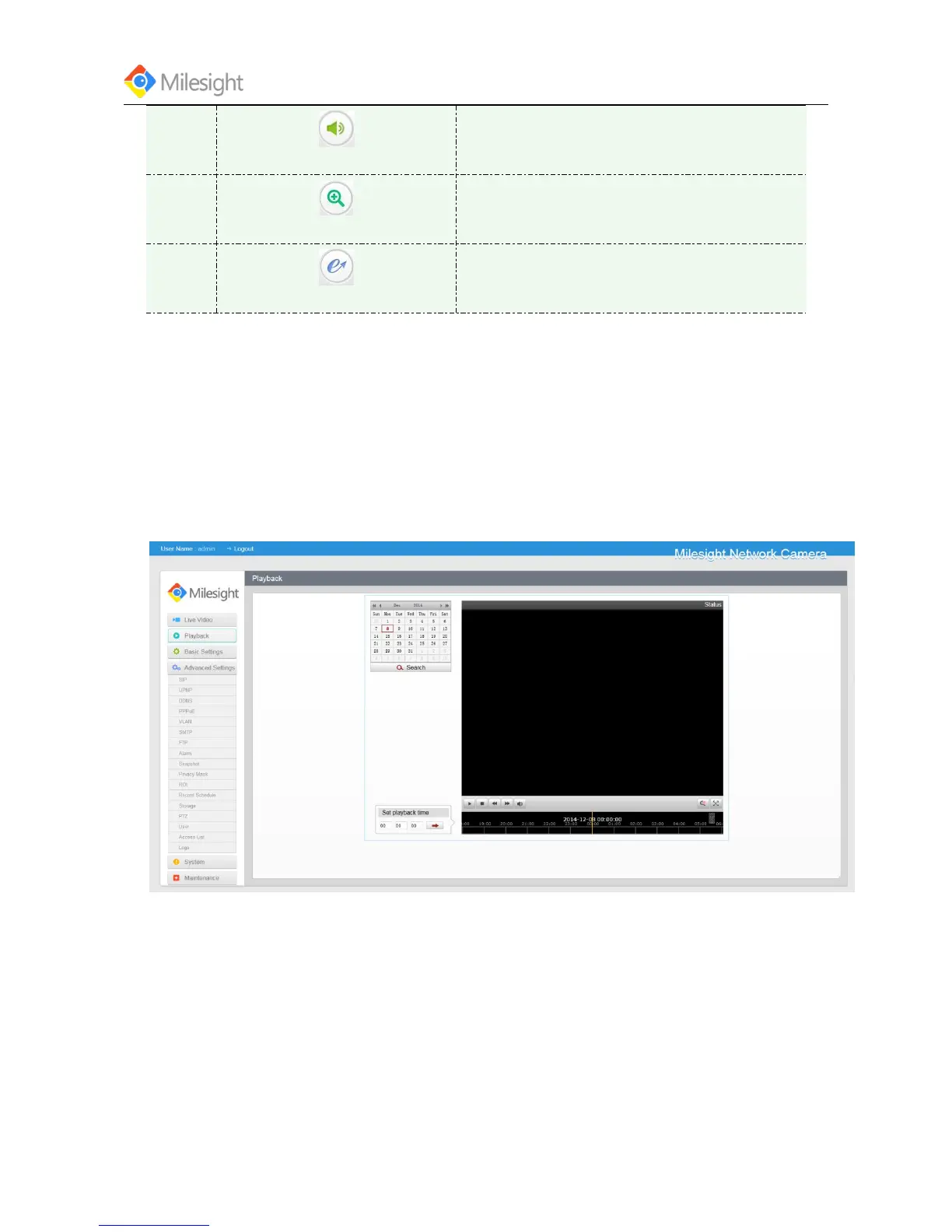
4.2 Playback
Purpose:
This section explains how to view the remotely recorded video files stored in the SD cards or the
network disks.
Steps:











 To Next Page