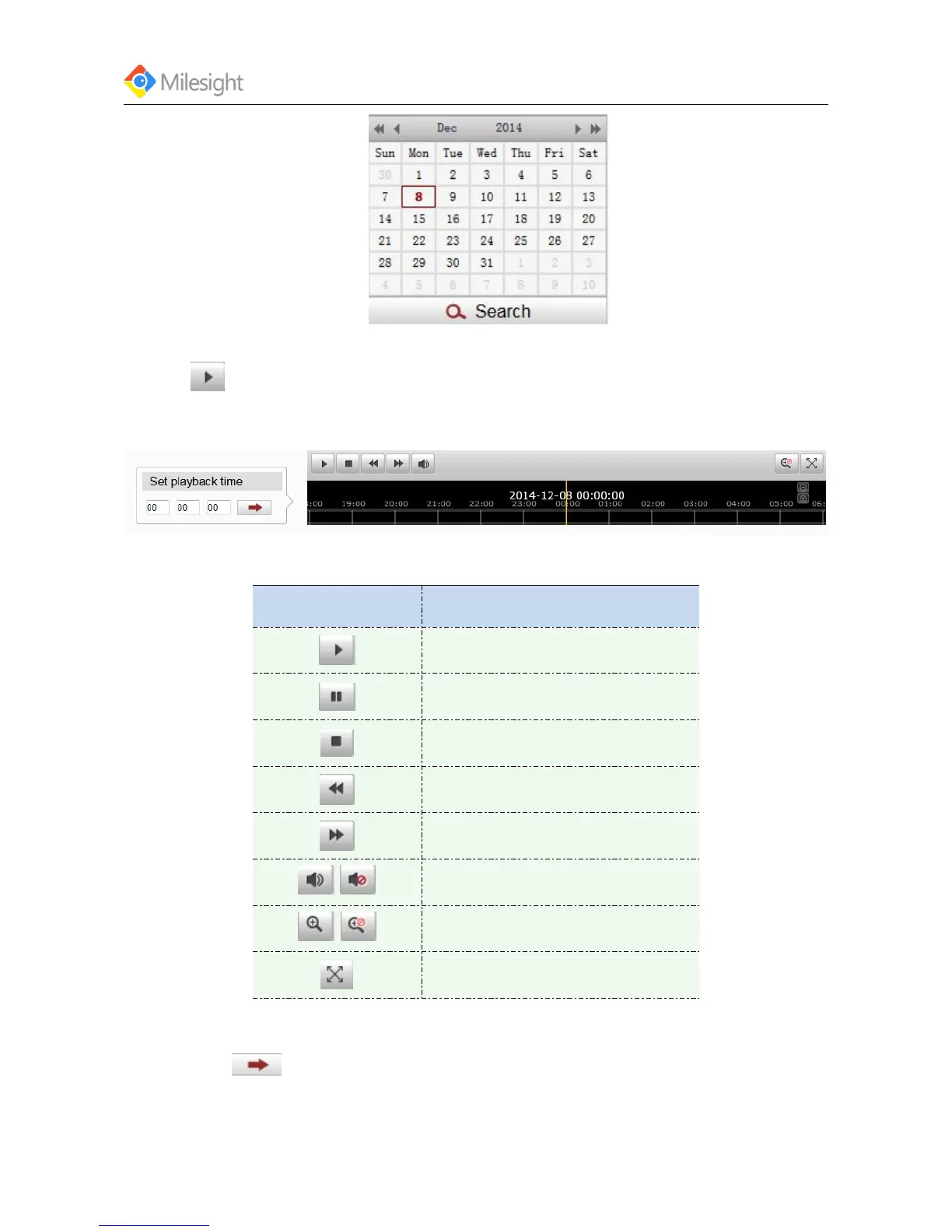
The toolbar on the buttom of playback interface can be used to contrlo playing progress.
Figure 4-4 Playback Toolbar
Table 4-2 Description of the buttons
Button Operation
Play
Pause
Stop
Speed down
Speed up
/
On/Off audio
/
Enable/Disable digital zoom
Full screen
Note:
Drag the progress bar with the mouse to locate the exact playback point.You can also input the
time and click to locate the playback point in the set playback time filed.You can also click











 To Next Page