User Manual
www.milesight.com
50
device.
Steps:
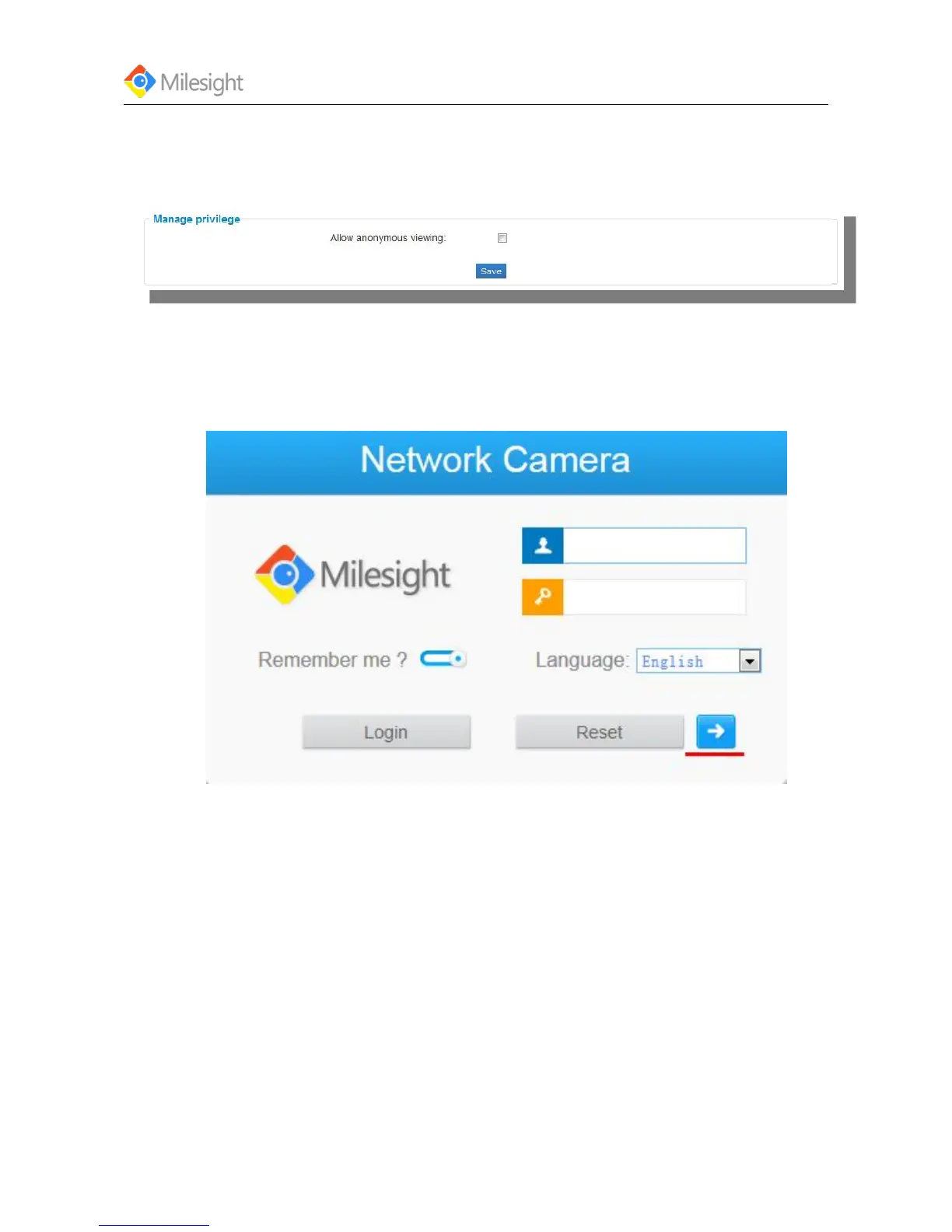
1. Enter the Anonymous visit interface:
Configuration > Advanced Settings > User > Manage privilege
Figure 4-36
2. Set the Anonymous visit permission Enable or Disable in the drop-down list to enable or
disable the anonymous visit.
3. Click Save to save the settings.
There will be a checkbox of Anonymous by the next time you logging in.
Figure 4-37
4. Click Anonymity and login.
Note:
Only live view is available for the anonymous user.
Account Managemetn:
Three privilege levels are available, including admin, operator and viewer. Up to 10 users can be
added to this system. It’s also able to log on the web with anonymous viewing, no need to enter
the username and password.











 To Next Page