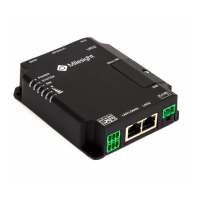
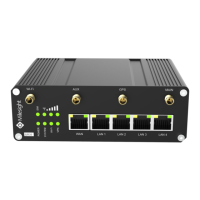
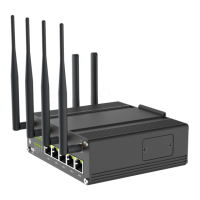
UR75 Quick Start Guide
www.milesight-iot.com
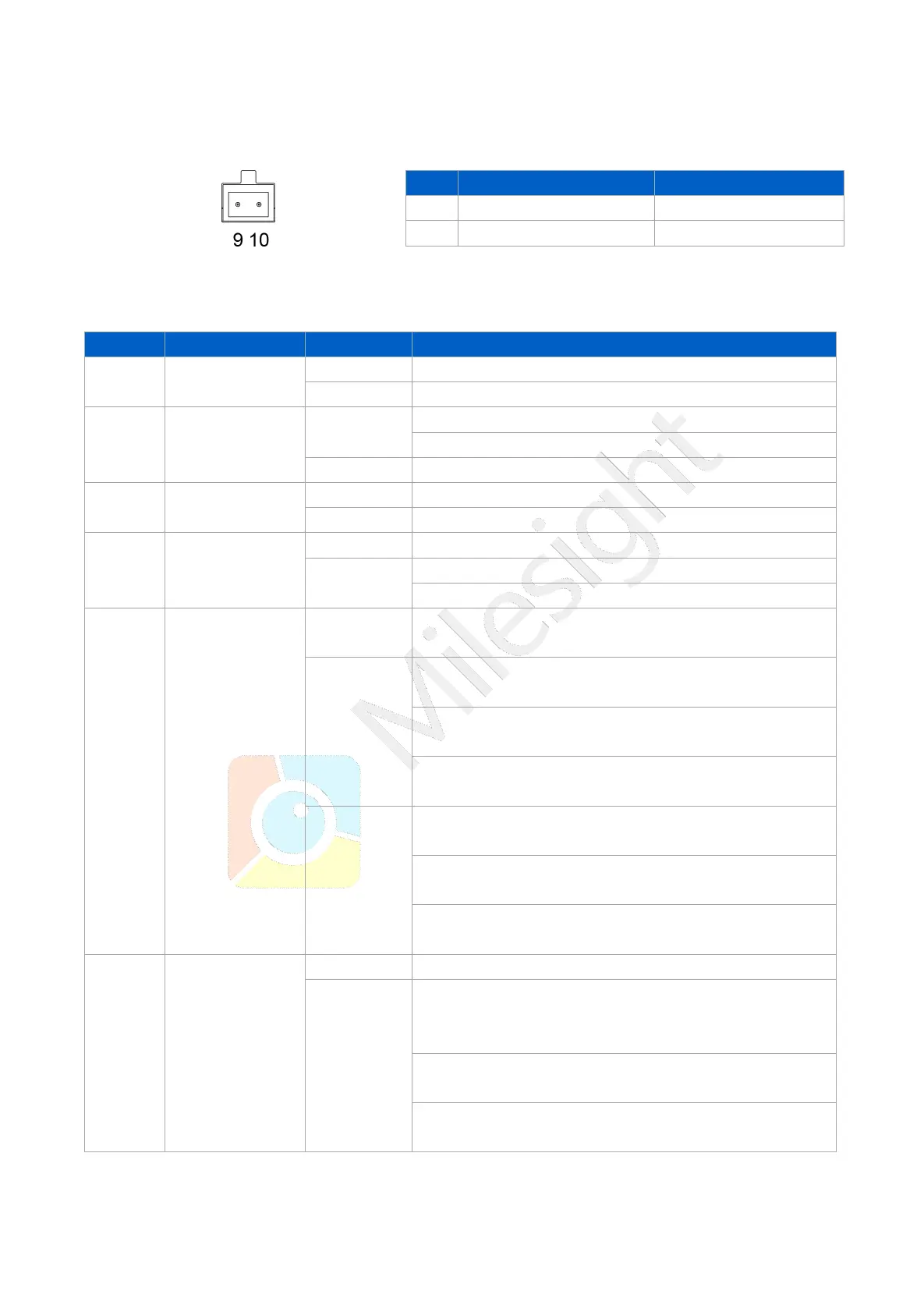
Power Connector
2.4 LED Indicators
The power is switched off
Blinking slowly: the system is running properly
Blinking slowly: sending or receiving data via Wi-Fi
SIM1 or SIM2 is registering or fails to register (or there
are no SIM cards inserted)
Blinking slowly: SIM1 (as primary SIM) has been
registered and is ready for dial-up
Blinking rapidly: SIM1(as primary SIM) has been
registered and is dialing up now
Static: SIM1 (as primary SIM) has been registered and
dialed up successfully
Blinking slowly: SIM2 (as primary SIM) has been
registered and is ready for dial-up
Blinking rapidly: SIM2 (as primary SIM) has been
registered and is dialing up now
Static: SIM2 (as primary SIM) has been registered and
dialed up successfully
Static/Off/Off: weak signals with 1-10 ASU (please
check if the antenna is installed correctly, or move the
antenna to a suitable location to get better signal)
Static/Static/Off: normal signals with 11-20 ASU
(average signal strength)
Static/Static/Static: strong signals with 21-31 ASU
(signal is good)


 To Next Page