1. Inserting batteries & starting the computer the first time
Place the device upside-down on a flat surface. You will see the battery compartment on
the underside of the device.
• Open the battery compartment by sliding its lid in the direction of the arrow.
• Insert four AA batteries (R6/LR6) into the compartment, paying attention to the
polarity: the “positive” terminal of each battery, labelled “+”, must match up with a
“+” inside the battery compartment.
• Close the battery compartment.
• Make sure that the computer’s ON/OFF switch is set to ON. You will find this
switch on the underside of the unit below row 8 of the chessboard, next to the
input for the power adaptor.
• The computer will now start automatically.
Note: if the red “low battery” symbol appears in the bottom line of the LCD (liquid crystal
display), the batteries should be replaced as soon as convenient.
Alternatively ChessGenius can be powered by a mains adaptor with a centre positive plug
and maximum 5V output. The socket for the plug is on the underside at the rear, next to
the ON/OFF switch. The suitable M811 Power Supply can be bought at
computerchess.com or via the retailer from whom you bought your chess computer.
2. Choose the language for the screen text
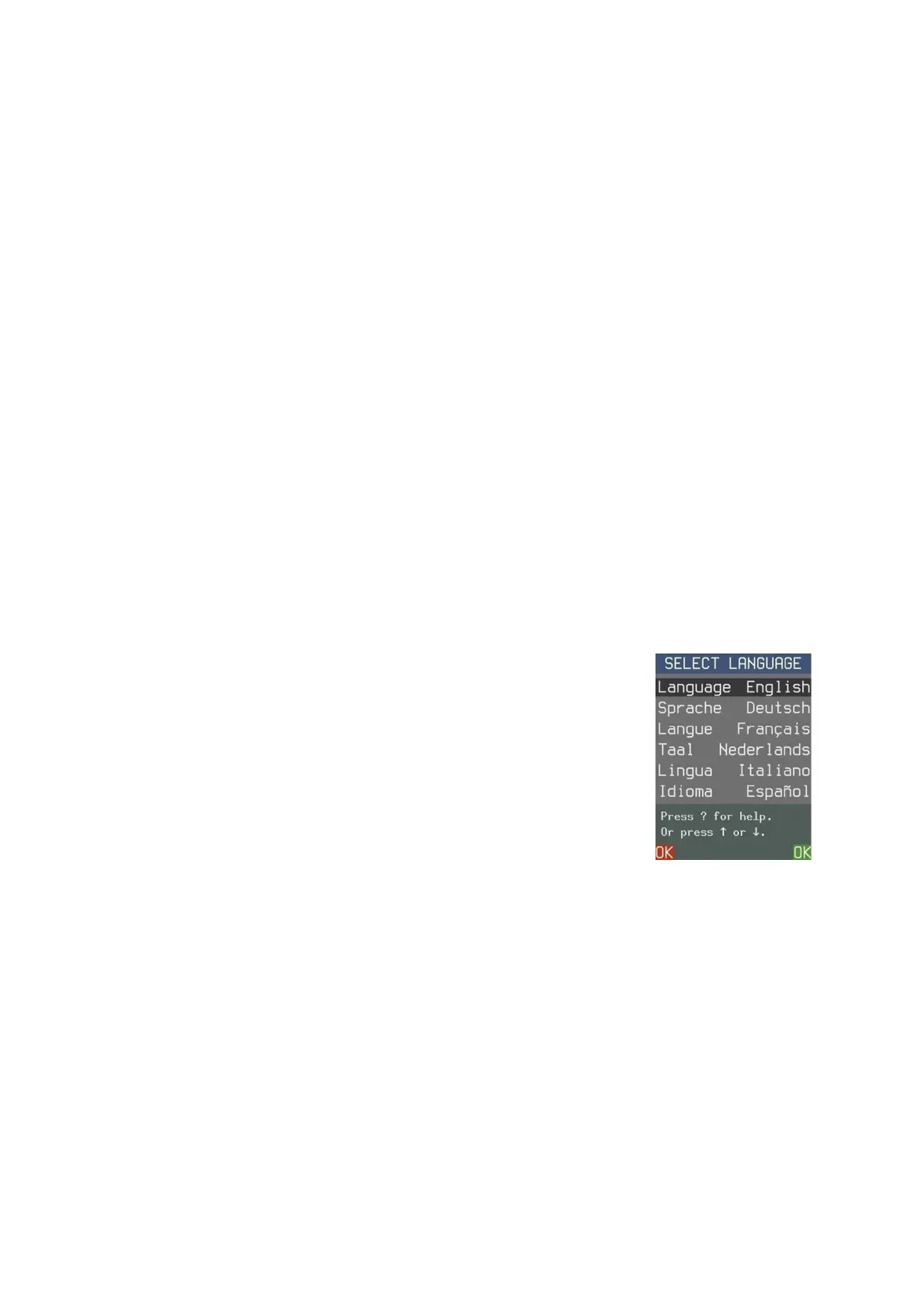
Once the batteries are correctly inserted, the computer gives a
characteristic sound signal, and the display shows a list of
languages. The first one is “highlighted” against a black
background.
By repeatedly pressing the or button, you can highlight each
language in turn, and bring further languages onto the display;
there are 14 in all.
When the desired language is highlighted, press the RED or GREEN
button to select it.
Note: If the language list fails to appear, execute a Reset of the Computer:
• Hold down the RED button.
• Insert a thin object (e.g. paper clip) into the opening marked RESET on the
underside of the unit, and press with it once.
• Release the RED button when the language list appears.
If you have selected the wrong language by accident, carry out the reset procedure then
select the correct one.



 To Next Page