English
USING THE HEAT TOOL
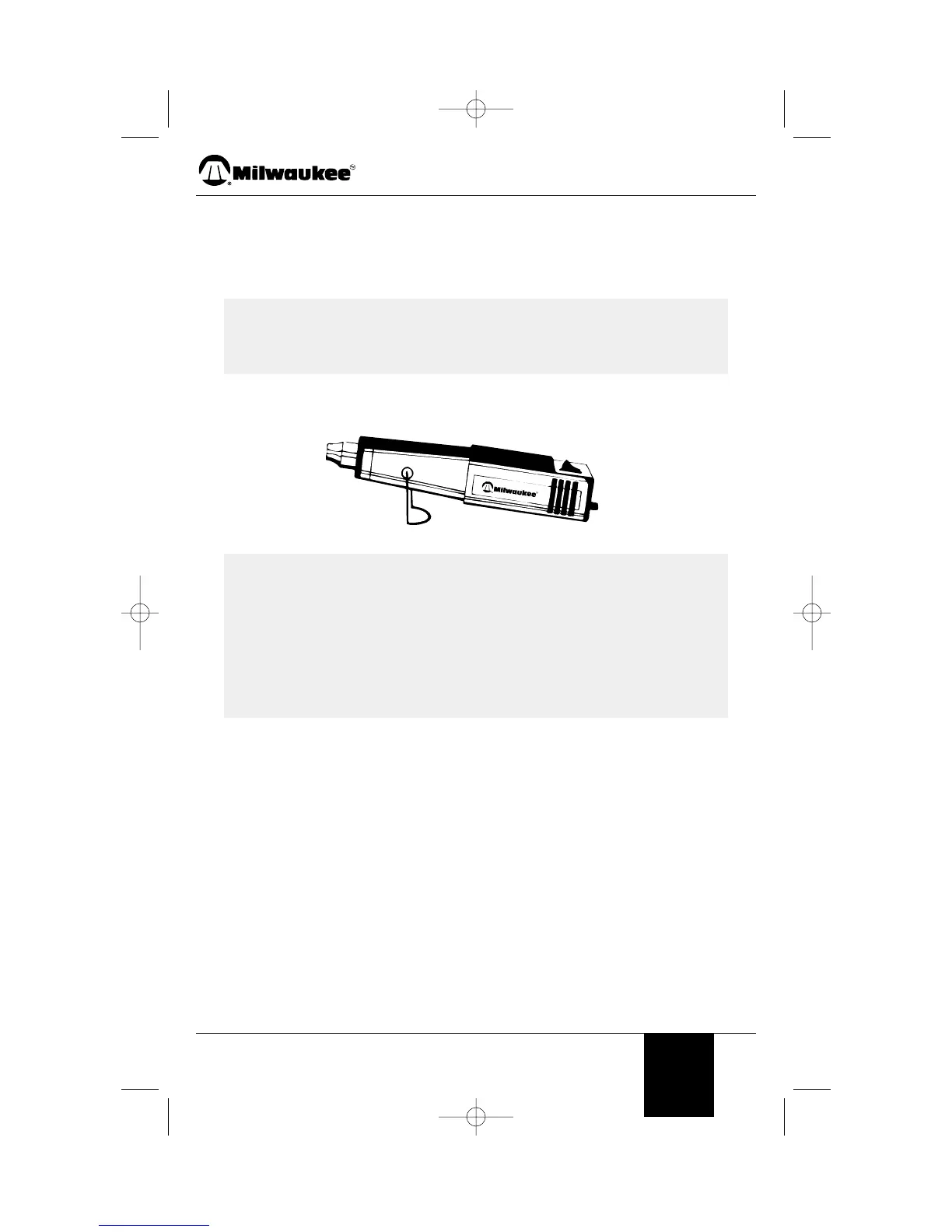
1. Plug the unit into a standard wall outlet.
2. Turn on the unit. The motor-driven fan noise will indicate that the unit is running.
The heating coil will light up slowly to dark red.
3. When you are done, turn the unit off and set it down with the nozzle pointing up and
the stand in the support position.
STORAGE
Allow the hot tool nozzle to cool to room temperature before placing in storage.
The nozzle will turn dark over time because of the high heat. This is normal and will not
affect the performance or life of the unit.
USES
Embossing
When using the hot tool to activate embossing powder, remove excess powder by
dusting the powder off with a clean, dry paint brush. Hold the nozzle end of the hot tool
approximately 3 inches (77 MM) from the work surface. To prevent the paper from
becoming too hot, move the nozzle end around in a circular fashion until the embossing
powder is raised and shiny.
When you have completed one area, switch the hot tool off and return the tool to its built-
in stand while preparing another area.
NOTE: Keep the nozzle pointed up after shutdown, either for a short
break or for storage. If the nozzle is pointed down, the residual
heat rises into the motor space and shortens the life of the unit.
Avoid laying the unit on the side after shutdown. The heat will
remain in the unit and cooling will take longer. Store the unit
only after the nozzle is cool to touch. Unplug the unit before
storing to prevent accidental start up.
NOTE: Smoke may appear during the initial start up due to the burning
of manufacturing oils. The smoke should disappear in less than
a minute.
©2003 MHT Products, Inc. All rights reserved. 5
Precision Heat Tool Model 1400



 To Next Page