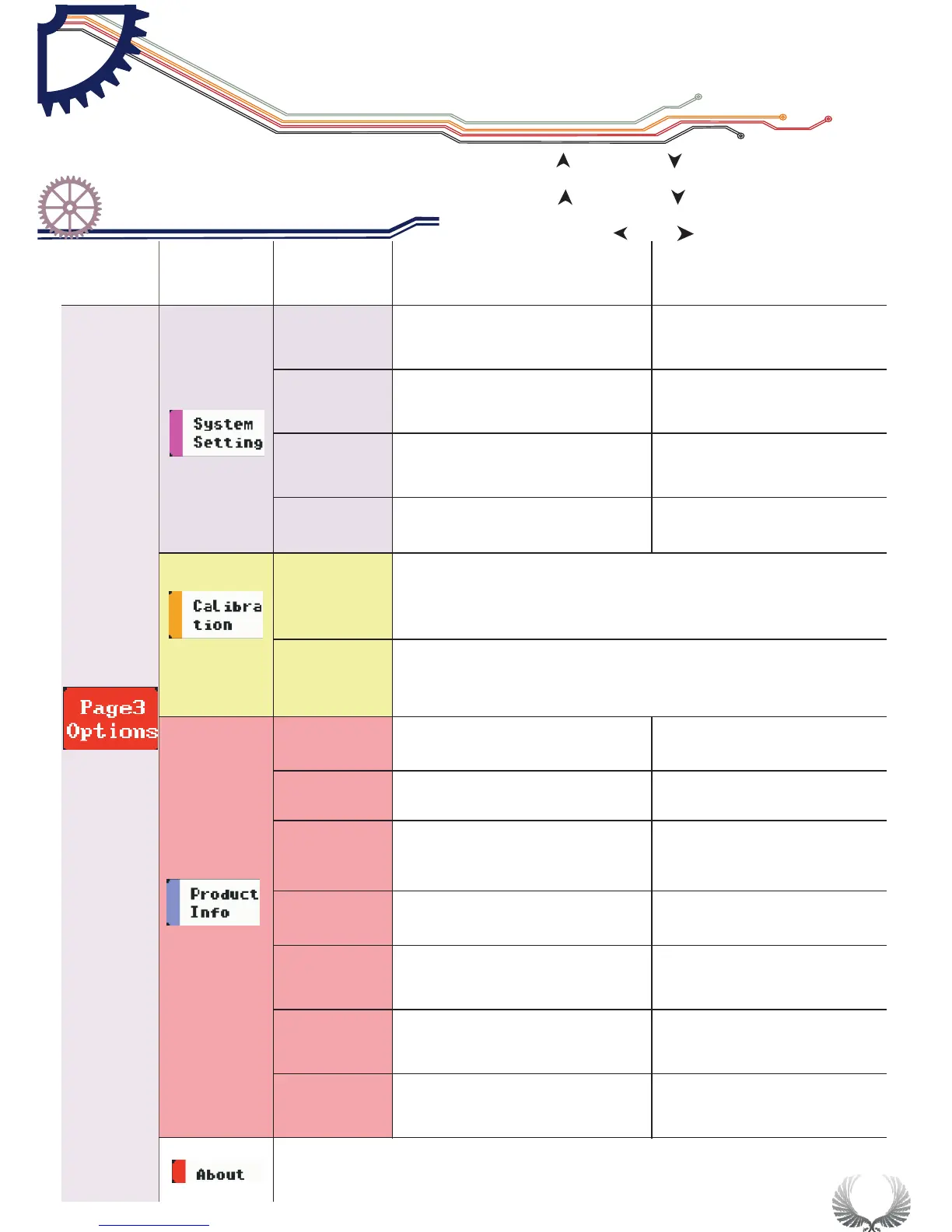
Main menu options
circulation
Submenu options
circulation
Press key “S” and self-calibration window pops up. Press
key “S” to carry out self-calibration and pop up when
calibration is finished, save calibration data
Press key “S” to pop up factory reset window. Press key“S”
to carry out self-calibration and pop up when self-
calibration is finished and save factory data.
Relevant satellite information
Menu
options
function
Annotation for functions
Options for function
and annotation
Page3
Setting
By the upward downward key or the options on
the sliding option area, press M to unfold option setting menu;
by the upward downward key or sliding the
parameter option needed to be set and change the current
parameter value by the key or sliding
“ ” “ ”
“ ” “ ”
“ ”or“ ”
19
Basic Function
Specific Parameter Intro
Chapter 4

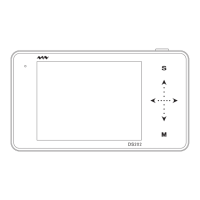

 To Next Page