5
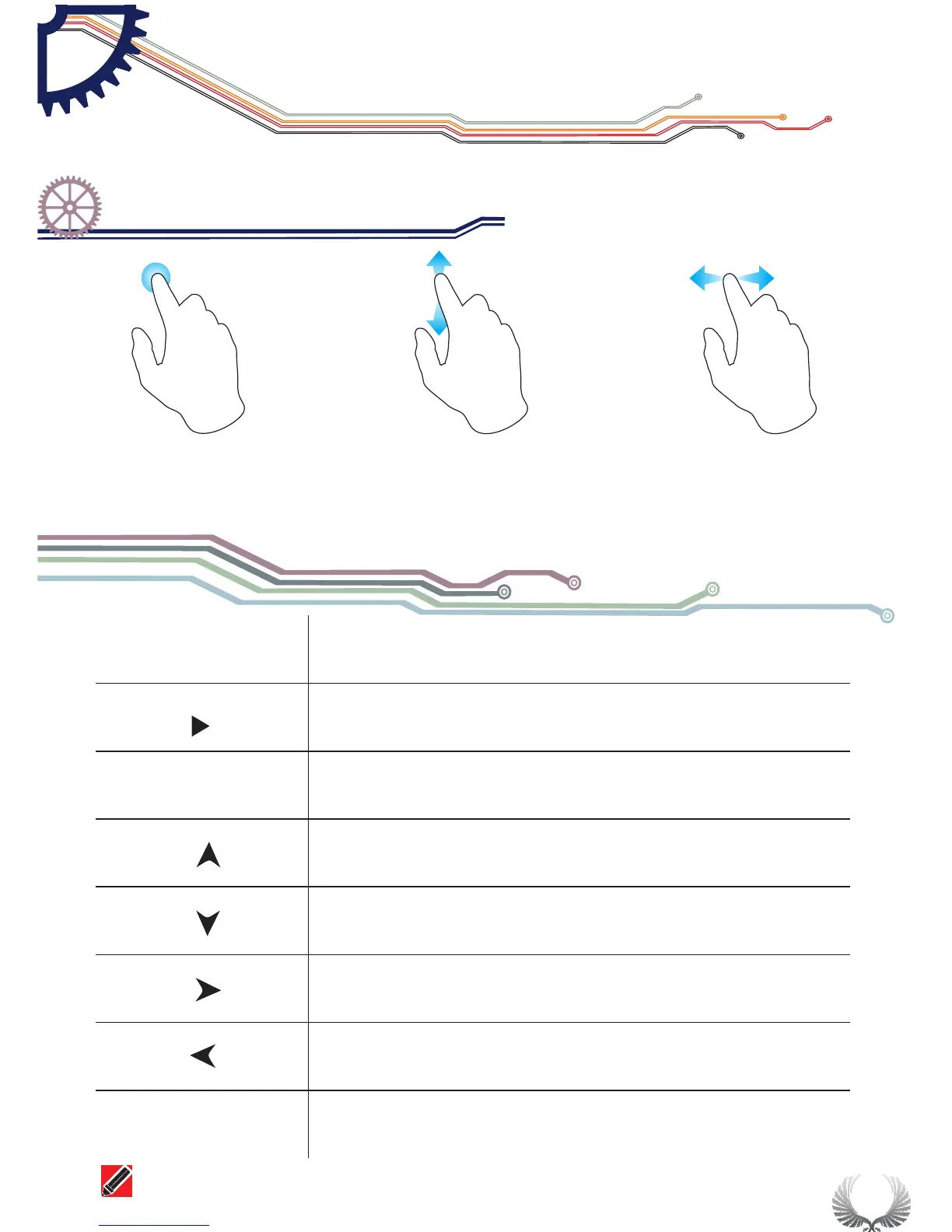
● Capacitive Touch key-press
● Support slide gesture input
● Tap
● Vertical slide ● Horizontal slide
Upward selection(Slide Up)
Downward selection( Slide Down)
Reset Parameter(Tap Right/increase, slide Right)
Alter set up parameter( Tap Left/Reduce, Slide Left)
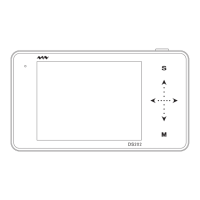
M
s
On/Off Sub-menu
Note that each item's color in Parameter Area is the same as that in Measurement Area
||
Operation on slide option area
Chapter 1
Over view of DS202


 To Next Page