Eleven
LESSON 2 – FUNCTIONAL DESCRIPTION
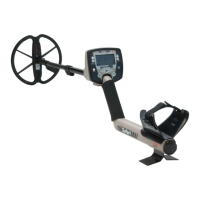
Aim. Correctly identify and describe the functional controls and tones and the
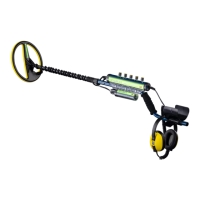
F3.
Classroom instruction. The training aids required are:
Chalk or white board
Projector
F3 Operations Manual
F3 Operator Training PowerPoint presentation
F3 detectors - one per two students
One set (four size “D” cells) of fresh batteries per detector
The major teaching points of this lesson are as follows:
Revision
Functional Controls
Functional Tones
TEACHING POINTS
Revision. Revise the description and identification of components of the F3.
Prepare the F3
Change Endcaps
Twelve
Functional Controls
• For ease of use, all controls for the F3 are located on the Handle. The figure
below illustrates the location of all controls:
When switched on, the F3 completes a series of internal start-up
functions including initialization of the microprocessor and self-tests
which check internal power supplies, transmitter etc.


 To Next Page
 Loading...