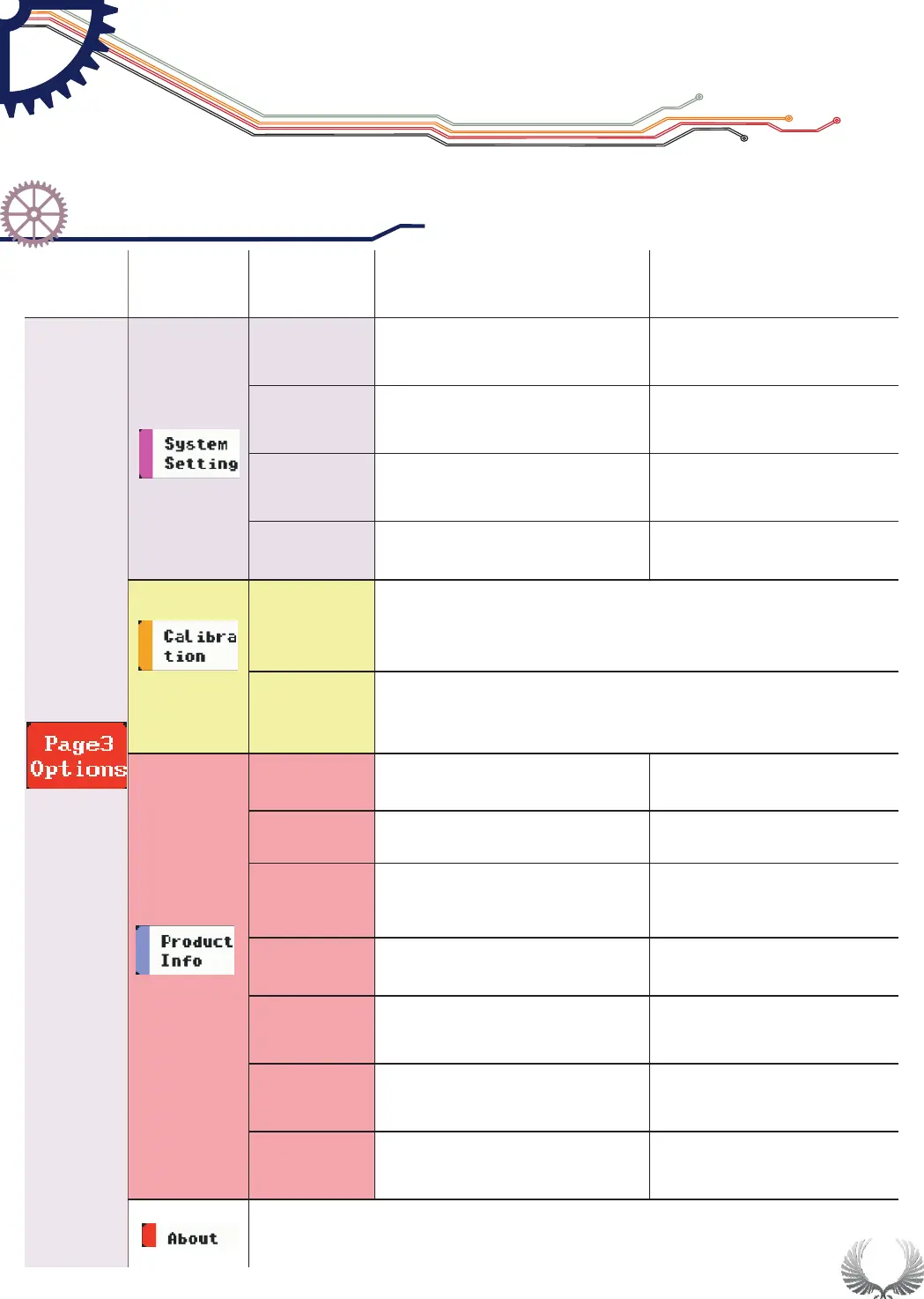
Dial up/down Wheel M to choose options in option menu, middle click
Wheel M to open option setting menu; dial left/right Wheel S to choose
parameters and change current values.
19
Middle click Wheel S, an auto calibration window will pop
up, middle click Wheel S to auto calibrate; after auto
calibration, save calibration data in the pop-up window
Middle click Wheel S, a restore factory setting window will
pop up, then middle click Wheel S to restore factory
settings
Relevant informationancillary
Menu
Options
Functions
Annotation for Functions
Description
Page3
Setting
Functional Over view
Specific Parameter Intro
Chapter 4


 To Next Page