8
●
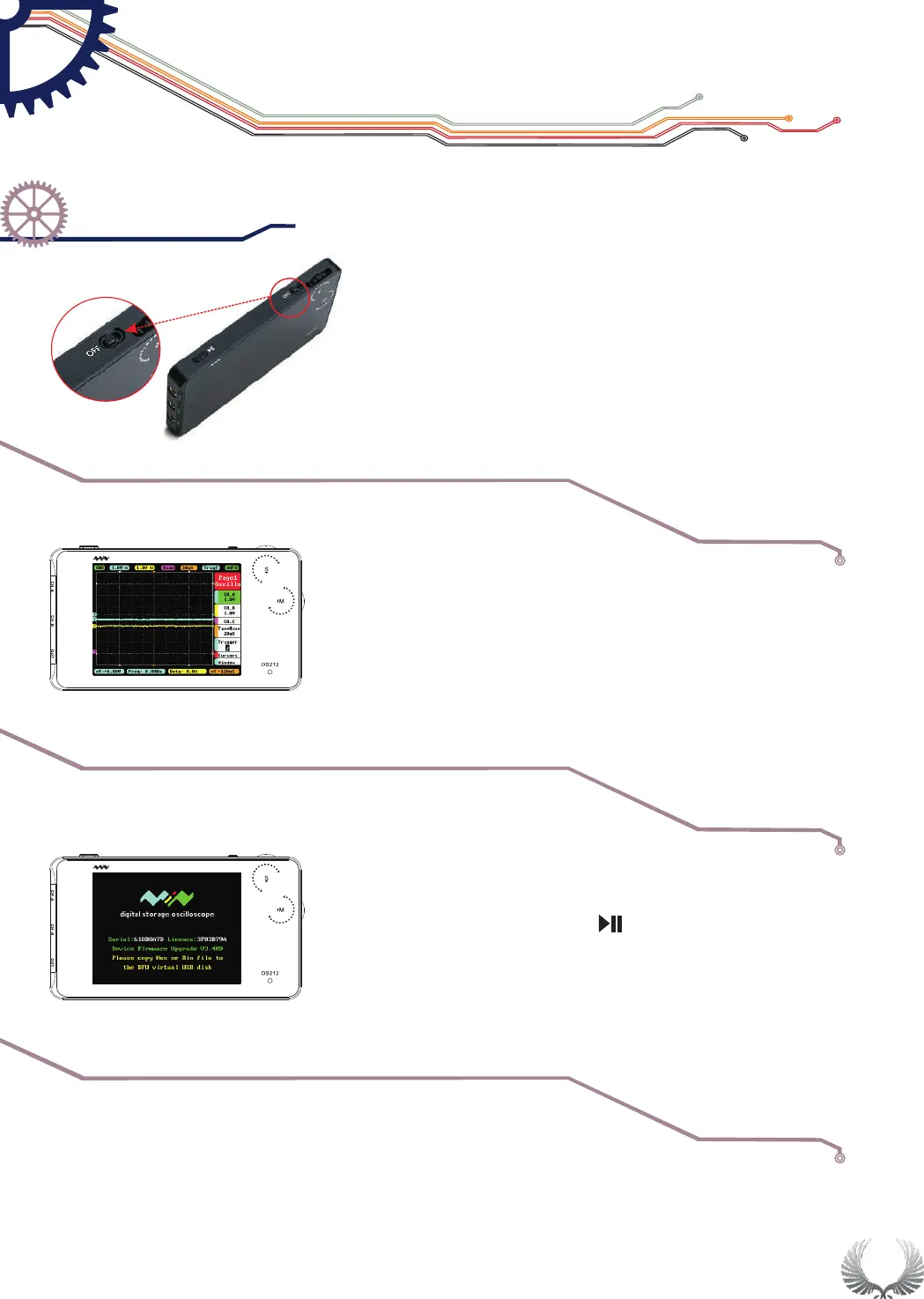
●Switch power button to "OFF" to turn off DS212
(If DS212 was powered off automatically, switch
off the power button before turning on.)
"OFF"Power On/Off Button
●
●Hold Wheel S and turn on DS212, it enters APP2 (If
APP2 is not installed, it enters DFU mode.)
Normally, turn on DS212, it enters APP1 by default.
Turn on/off
●Hold Pause button“ “and turn on DS212,
to enter DFU mode.
Switch APP
Upgrade mode
Getting Star ted
Power On/Off
Chapter 3


 To Next Page