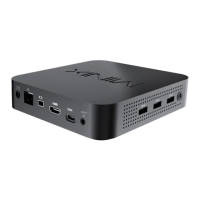
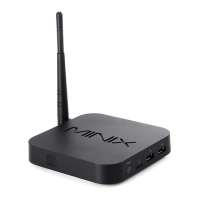
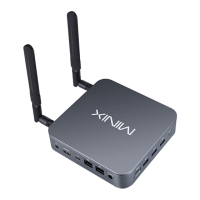
Overview
Power LED - The LED glows blue when NEO J51-C8 Max is on.
Power Button - To power on the NEO J51-C8 Max, press and
hold the power button for 1-2 seconds until the power
LED glows. To power off the NEO J51-C8 Max, press and hold
the power button for 8 seconds.
3.5mm Audio Jack - Connect an external audio
input/output device such as microphone.
Dual 2.5G RJ-45 Ethernet Port - Connect an Ethernet cable for
wired internet access up to 2.5Gbps.
DC 12V Power-in Jack - Connect the included 12V power
adapter. NEO J51-C8 Max requires approx. 1A to operate,
however the included power adapter provides 3A to ensure
support for other external devices attached to
NEO J51-C8 Max, such as an external hard drive.

 To Next Page
 Loading...