METERED/FULL-MANUAL EXPOSURE MODE (M mode)
Set mode/shutter-speed selector at
any position from "1" to "1000".
38
Taking a picture in M mode
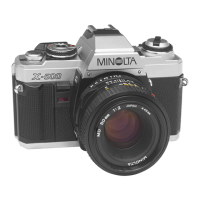
To use the X-700 in metered- or
full-manual mode, first release the
mode/shutter-speed selector from
"P" or "A" and check to see that
the lens is not locked at minimum
aperture.
There are two ways to use
metered-manual mode:
• When you wish to use a certain
shutter speed, first set the selector
at any click-stop setting from 1 sec.
to 1/1000 sec, then turn the aper-
ture ring until the LED next to that
speed lights up.
• When you wish to use a certain
aperture, first set the aperture ring,
then set the stepped shutter speed
according to the value recommend-
ed by the LED. If two LEDs light
up, adjust the aperture ring some-
what until only one lights. Do not
set the shutter-speed selector be-
tween click stops.
Number agreement can, of
course, be disregarded and any
shutter-speed and lens-aperture
combination set for full manual
operation (see p. 29).
NOTE
• In M mode, the slow-shutter-
speed warning indicates that the
camera-recommended setting —
NOT the actual setting - is 1/30
sec. or slower.
Basic setting



 To Next Page