Self-timer
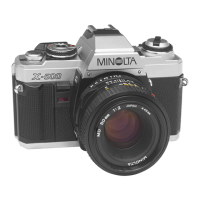
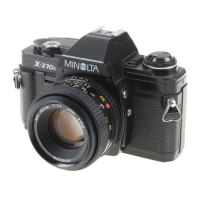
The X-700's electronic self-timer
can be used to delay release of the
shutter for 10 seconds. To operate
it:
1. Mount the camera on a sturdy
support, compose your picture, and
focus.
2. Set the mode/shutter-speed selec-
tor at any setting other than "B",
and make sure the film is advanced.
3. Pull the self-timer switch up.
4. To start the timer, press the
operating button.
A visual signal and (if main
switch is at "ON ") audible beeps
indicate how much time is left
before the self-timer releases the
shutter. The self-timer LED blinks
and the camera beeps as follows:
NOTES
• If you wish to cancel the self-
timer after it has been started, push
the self-timer switch down or turn
the main switch off.
• Be sure to turn the self-timer off
after the picture has been taken. If
you do not, the next picture will
also be taken after a 10-sec. delay.
• When taking self-timer pictures in
P or A mode, use the eyepiece cap
(p. 25).
Other ways of releasing shutter
The shutter can also be released
by using one of the following:
•Minolta Remote Cord S (50cm,
20 in.) or Remote Cord L (5m,
16-1/2 ft.)
•Minolta Wireless Controller IR-1
Set (p. 56)
•Minolta Multi-Function Back (p.
55)
The remote cords and cable release
should be screwed into the shutter-
release socket on the side of the
lens mount.
First 8 sec. twice per sec.
Next sec. eight times
Last sec. continuously
47



 To Next Page