6 7
Getting Started
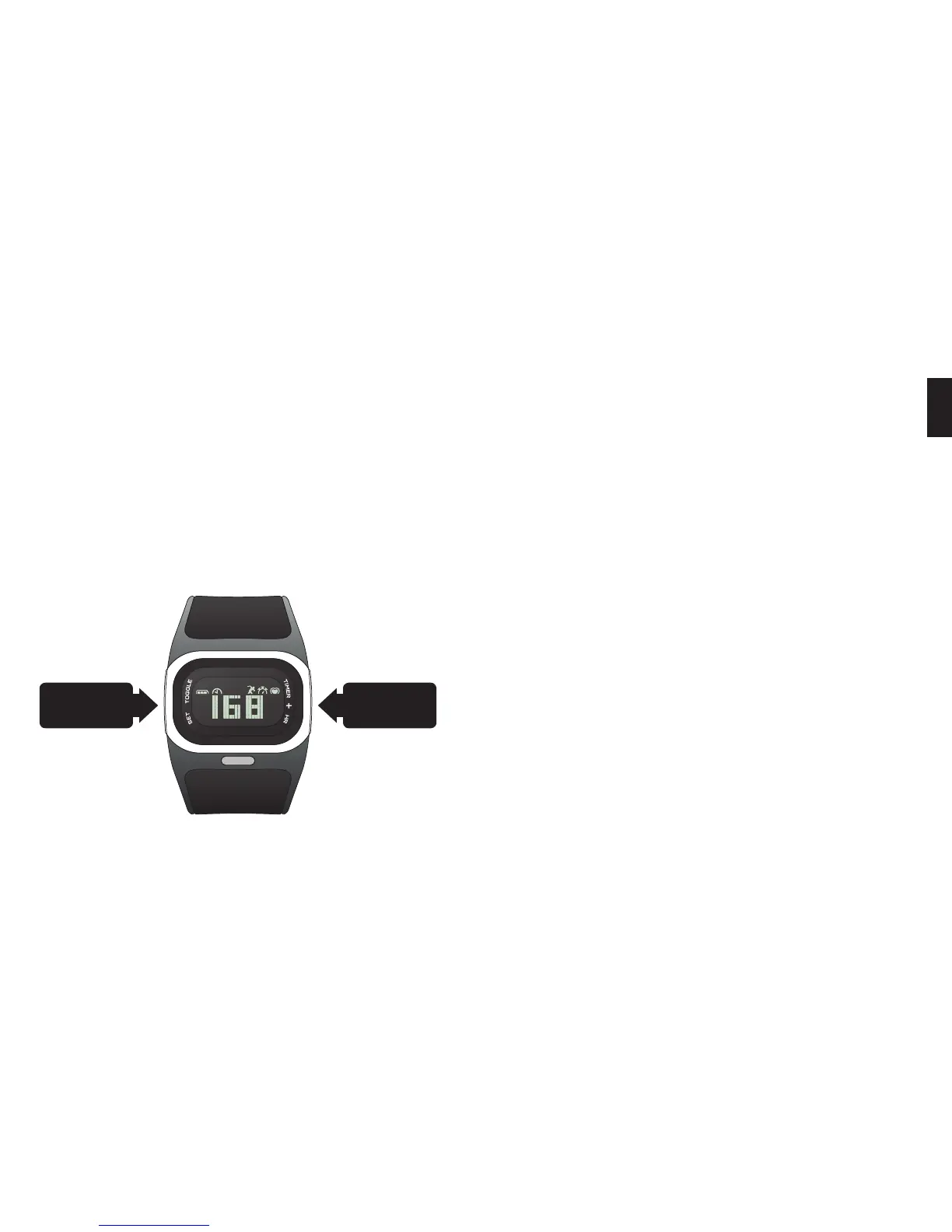
1. Remove your MIO Alpha from the packaging and peel off the
protective film.
2. Press and hold the SET or
+
button to activate the watch. The
display will turn on and ask you to set the time.
3. Press the
+
button to increase the value of the flashing digit.
4. Press SET to confirm the value and move to the next digit.
Wearing Your Alpha
To use the heart rate monitor on your Alpha watch, you must:
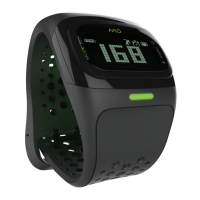
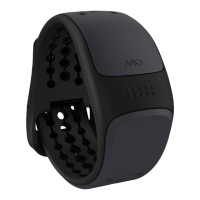
• Fasten the watch snugly so the optical sensor on the back of the
watch makes good contact with your skin
• Wear the watch above—not on—your wrist bone; wear it higher
on the forearm if you have a small wrist
• If you often have cold hands or poor circulation, your Alpha’s
performance may be diminished. Try exercising for a few minutes
to increase blood flow before turning on the heart rate monitor.
When you’re not using the heart rate monitor, you can wear your
Alpha like any watch.
Set/Toggle
HR/
+
/
Timer
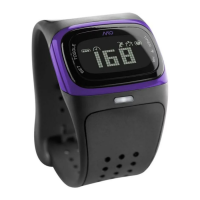
Alpha at a Glance
• Time
• Continuous Heart Rate Display
• Target Heart Rate Zones
• Timer
• Data Review
• Wireless Data Transfer
For detailed instructions on each of these features along with
important information about charging your Alpha, visit
mioglobal.com/alpha.
EN


 To Next Page