Mio FUSE User Guide 09
HEART RATE TRAINING MODES
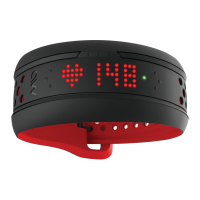
In Workout Mode, the HR Indicator Light provides real-time feedback on your heart rate. When
MioFUSEisconnectedtoaBluetoothdevice,theHRIndicatorLightwilldosingleashes.
WhennoBluetoothdeviceisconnected,theHRIndicatorLightwilldodoubleashes.
Choose between Training Zone Mode (5-Zone) and Zone Alert Mode (1-Zone), and customize
the upper and lower boundaries of each HR zone using the Mio GO app. The default mode is
5-Zone Mode. Please see Set Up for more information.
TRAINING ZONE MODE
(
5-ZONE
)
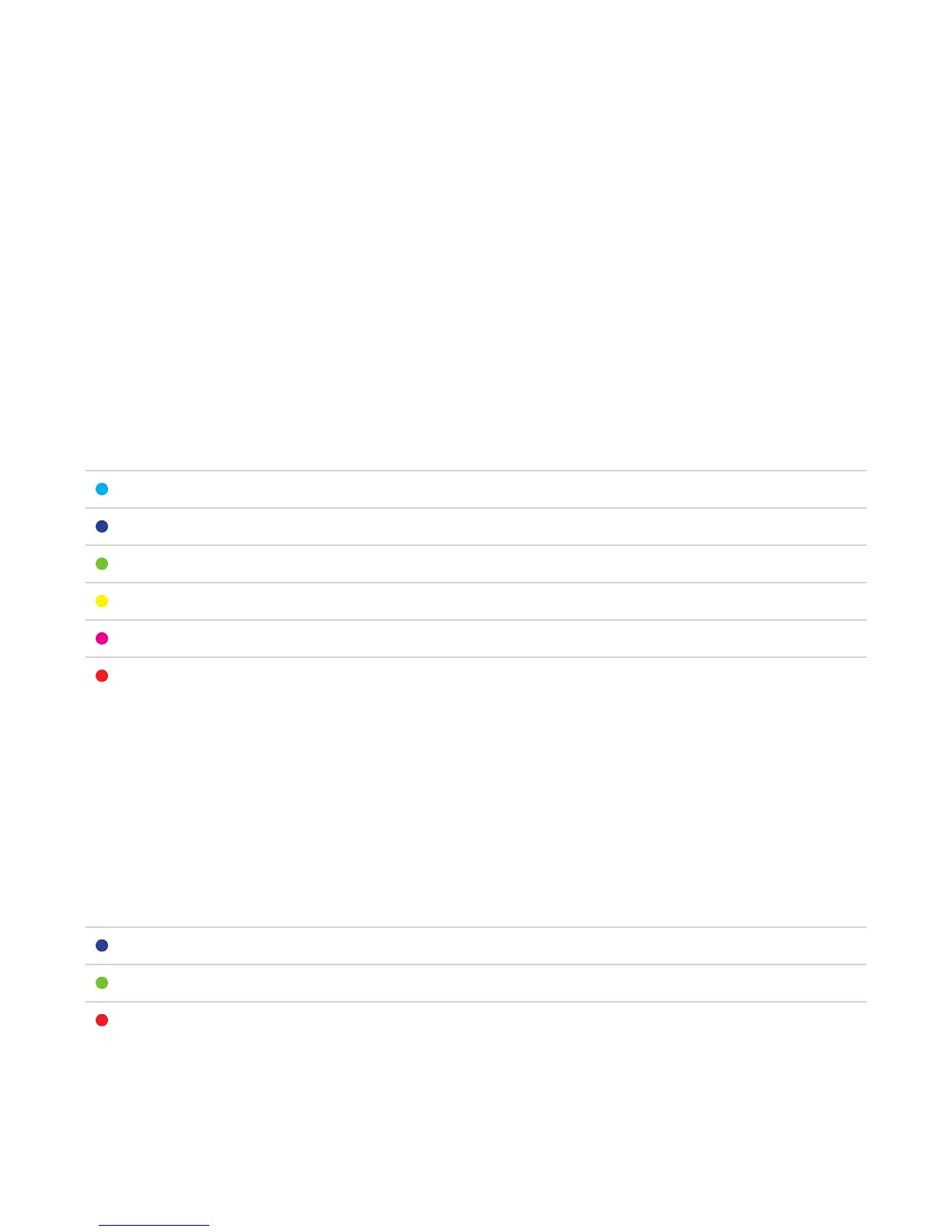
In 5-Zone Mode, the HR Indicator Light shows your current HR zone. Mio FUSE will vibrate
when you move into another HR zone.
COLOR DESCRIPTION LOWER HR LIMIT UPPER HR LIMIT
Light Blue Rest 0% of MHR <50% of MHR
Blue Very Light 50% of MHR <60% of MHR
Green Light 60% of MHR <70% of MHR
Yellow Moderate 70% of MHR <80% of MHR
Pink Hard 80% of MHR <90% of MHR
Red Maximum 90% of MHR 220 BPM
Note: This table is only a suggested range.
ZONE ALERT MODE (1-ZONE)
In 1-Zone Mode, the HR Indicator Light shows whether you are below, within, or above your
selected target HR zone. Mio FUSE will vibrate when you are not within your target HR zone.
COLOR DESCRIPTION LOWER HR LIMIT UPPER HR LIMIT
Blue Below Target HR Zone 0% of MHR <65% of MHR
Green Within Target HR Zone 65% of MHR <85% of MHR
Red Above Target HR Zone 85% of MHR 100% of MHR
Note: This table is only a suggested range.


 To Next Page