6
MIO LINK
To download the Complete User Guide, get important battery care
information, and register your Mio LINK, visit:
mioglobal.com/support.
GETTING STARTED
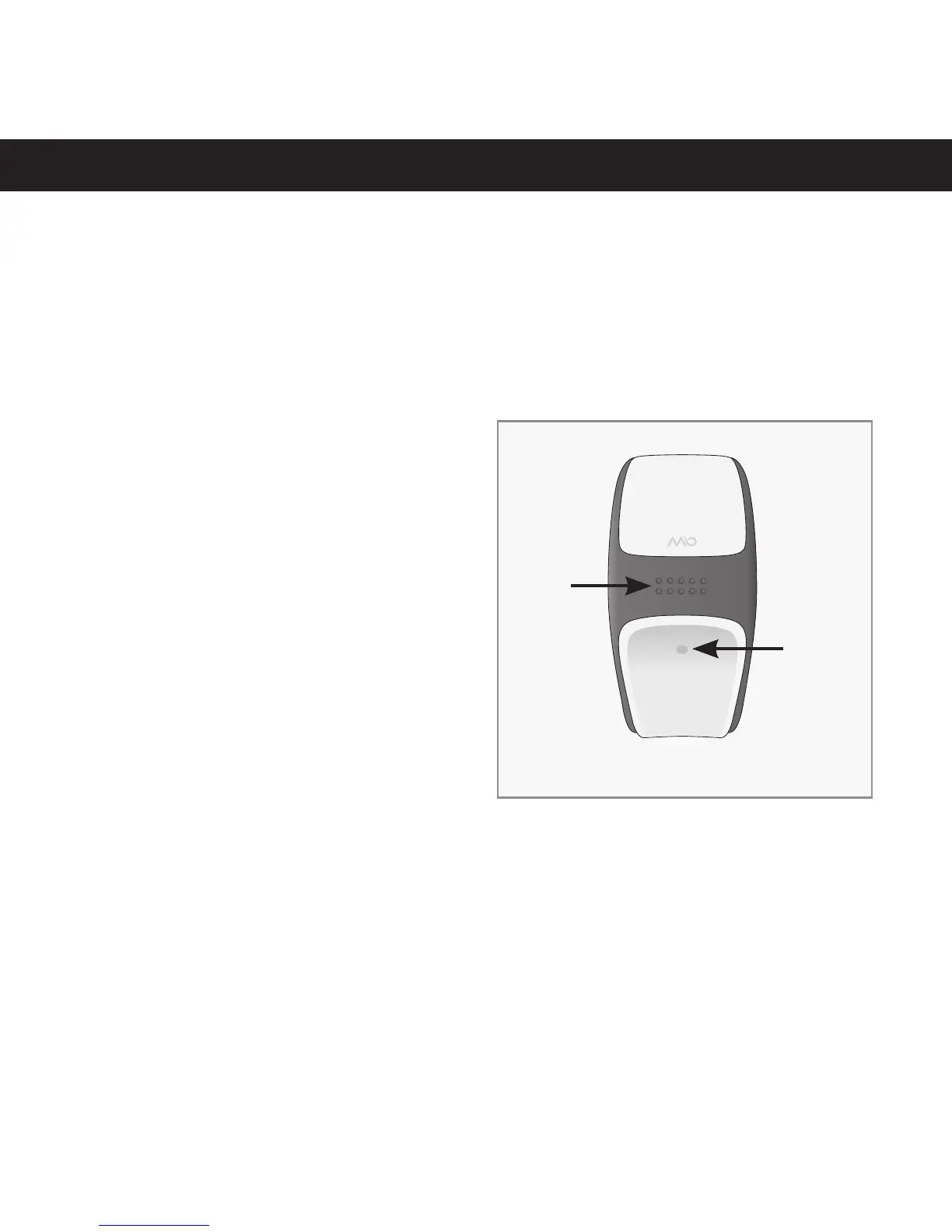
1. Remove Mio LINK from the
packaging.
2. Press and hold the button
to activate Mio LINK. The
LED will light up.
3. After a few seconds the
LED light will turn off.
4. Your Mio LINK is now
activated.
1. Button 2. LED Light
ENGLISH
1
2
CHARGING YOUR MIO LINK
1. Make sure your Mio LINK has been activated.
2. WARNING: Make sure the four charging pins on the back of the Mio
LINK are dry. Otherwise, dry them gently with a towel.


 To Next Page