9
English
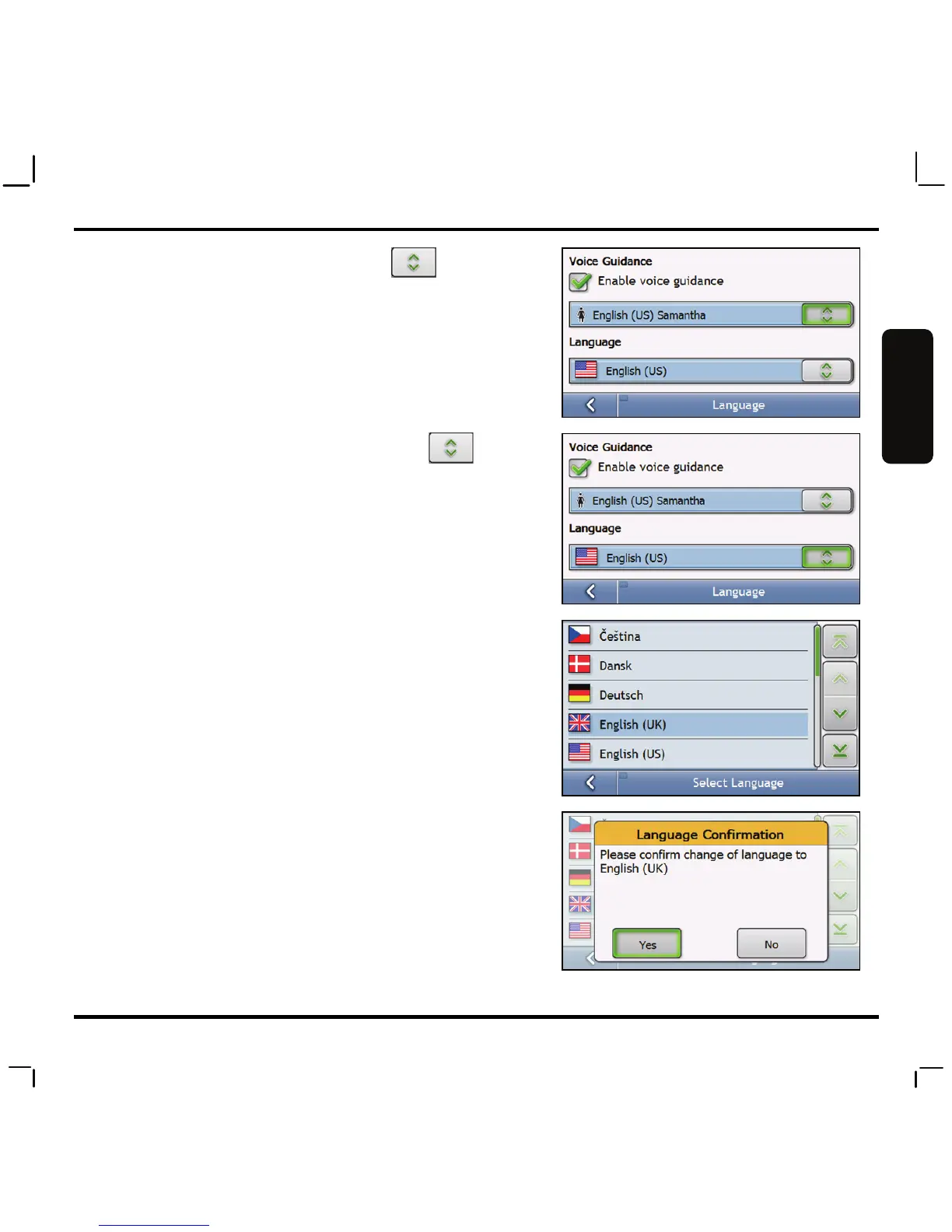
4. To change the voice scheme, tap in the
Voice Guidance box.
Note: Choose from either male or female voice by tapping on
the screen of your selection. (A NAME next to the voice
indicates Text-to-Speech.) For more Text-to-Speech languages,
please install MioMore Desktop utility onto your computer and
transfer additional voice files with Text-to-Speech via USB cable.
To change the onscreen language, tap in the
Language box.
5. Scroll to select the language you wish to change
into.
6. Tap Yes to confirm the change.



 To Next Page