EasyManua.ls Logo

Mio Moov M300 - User Manual

Mio Moov M300
126 pages
Print Icon
To Next Page IconTo Next Page
Loading...
Moov M300/M400
User Manual

Table of Contents

Questions and Answers

Summary

Important Safety Information

Safety Warnings

Explains different warning levels (Danger, Caution) and their implications.

Charger and Battery Safety

Home Charger Safety

Details safety precautions for using the Mio home charger and accessories.

Internal Battery Safety

Covers safety guidelines for the built-in lithium-ion battery.

Device Care and Maintenance

Caring for your Mio

Provides instructions on how to maintain and care for the Mio device.

Device Installation

M300;M400 Series Installation

Step-by-step guide for physically installing the Moov M300 and M400 series devices.

Getting Started and Basic Operations

Power and Reset Procedures

Explains how to turn the device on/off, shut down, and perform hardware resets.

Battery Management

Covers monitoring battery status and charging the device.

First-Time Setup

Initial Device Activation

Guides the user through the initial setup process, including safety, language, and tutorial.

GPS Navigation Fundamentals

GPS Signal and Status

Explains how the device receives GPS signals and how to view its status.

Route Planning and Guidance

Navigating from A to B

Provides methods for setting a destination and starting navigation.

Handling Missed Turns

Explains the automatic rerouting feature for missed turns.

Destination Search Functionality

Searching for Addresses

Step-by-step guide to searching for a destination address using the device.

Using Keyboard and Preview Screens

Details the use of the on-screen keyboard and destination search interface.

Advanced Route Planning

Creating Multi-stop Trips

Guides on planning trips with multiple destinations or waypoints.

Points of Interest (POI) Navigation

Searching for POIs

Step-by-step guide to finding and navigating to Points of Interest.

POI Search Methods

Details methods for searching POIs by location and category type.

Saving and Navigating to Locations

Managing Favorites and Home

Instructions for saving, editing, and deleting favorite destinations and the Home location.

Navigating to Favorites;Home

Guides on how to navigate to saved favorite locations and the Home address.

Map Display and Navigation Views

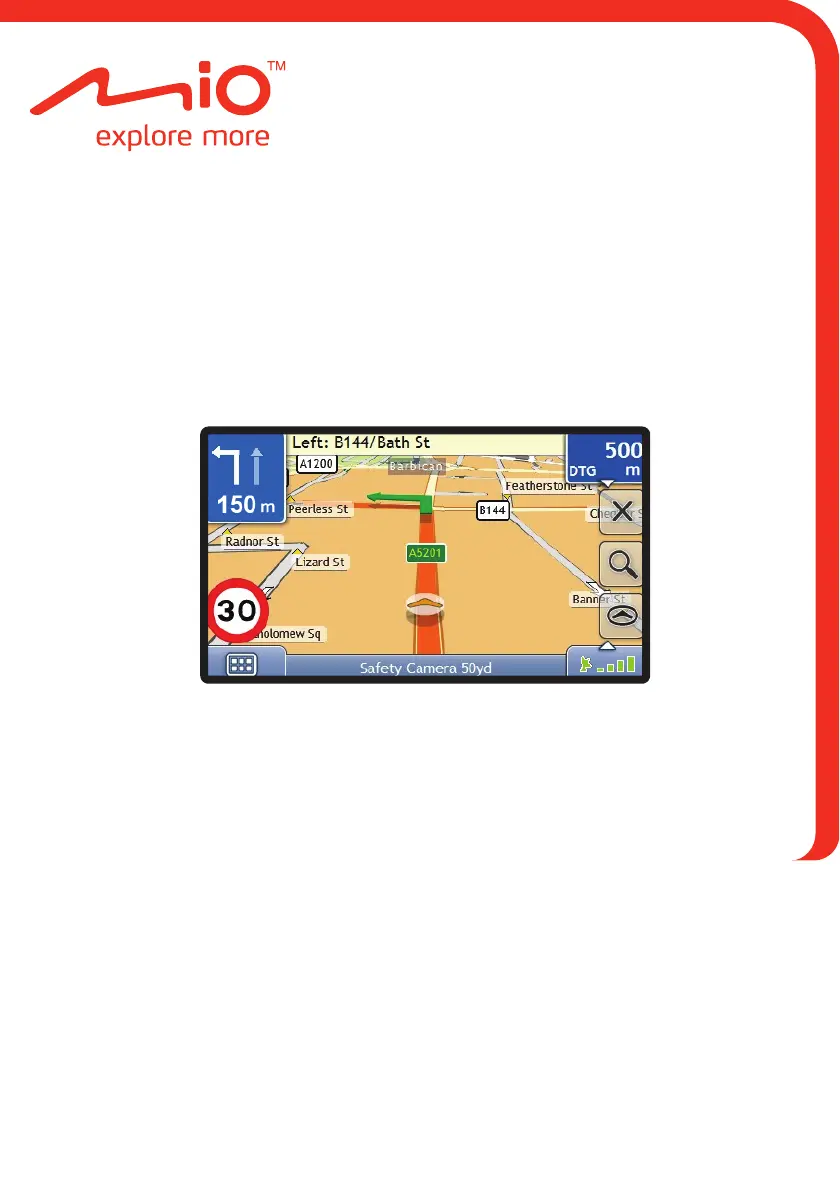
3 D Map Screen

Details the features and elements of the 3D map view.

2 D Map Screen

Details the features and elements of the 2D map view.

Map Menu and Area Avoidance

Using the Map Menu

Explains how to access and use the various functions via the Map Menu.

Avoiding Areas

Details how to set areas to avoid during route calculation.

NavPix Functionality

NavPix Navigation and Saving

Mio Connect POI Management

Traffic Information and Alerts

Receiving Traffic Information

Explains how the device receives traffic data and how to interpret traffic status.

Traffic Event Handling

Details how traffic events are displayed, listed, and managed, including detours.

Traffic Preferences Management

MioMore Desktop Software

Map Management

Safety Camera Subscriptions

Custom Points of Interest (POIs)

Troubleshooting Guide

Common Problems and Solutions

Lists common issues and their solutions for device operation.

Mio Moov M300 Specifications

General IconGeneral
BrandMio
ModelMoov M300
CategoryGPS
LanguageEnglish

Related product manuals