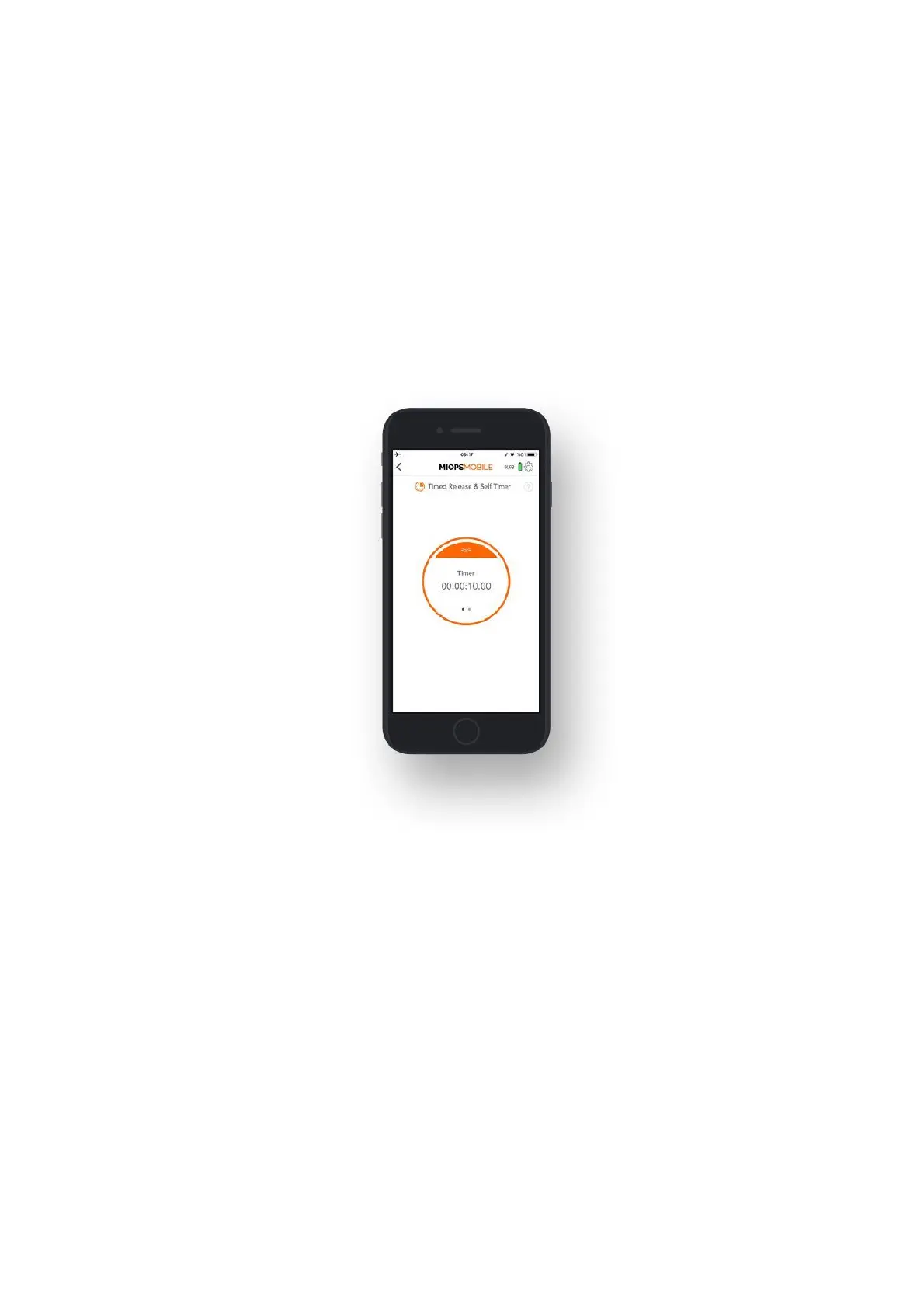
If you want to have a custom exposure after the timer goes off, you can use the
Timed Release and Self Timer mode. This mode combines the Self Timer with the
capability of keeping the shutter open for a certain time. It has two parameters:
Timer and Exposure.
Timer: This parameter defines when to trigger the camera.
Exposure: This parameter defines how long to keep the shutter open.
Once you set the parameters, you will see to counters at the bottom of the screen.
The counter on the left displays the timer. It will count down from the timer value
and when it goes off, the second counter will start showing how long the shutter
has been kept open. The shutter will close when the custom exposure value is
reached. The camera must be in BULB mode to have flexible exposure.
9.2. TIMELAPSE MODES:
In this section, you will find information about various timelapse modes.
9.2.a. Basic Timelapse:
The Basic Timelapse mode offers to take time-lapse photos automatically without
changing the exposure. It has two parameters; Interval and Frame.
Interval: This parameter defines the duration between each frame. The Interval
can have a value from 13 milliseconds up to 100 hours.
Frame: This parameter defines how many pictures are to be taken. You can set the
frame number up to 99999. If you set the frame number to 0, this will mean that
the time-lapse will continue until you stop it.
The Basic Timelapse mode does not offer any control over the exposure. The
exposure settings of your camera will be valid.



 To Next Page