5. Mobile Application
MIOPS RemotePlus requires a mobile app which has been designed as an interface
to configure and control your device easily. The communication between the
smartphone and MIOPS RemotePlus is done over Bluetooth connection. So, your
smartphone has to be compatible with Bluetooth 4.0.
MIOPS MOBILE app is available on iOS and Android platforms. Search for MIOPS
MOBILE in your app store.
6. Connecting to MIOPS RemotePlus
Warning: Please make sure that your Bluetooth is turned ON in the connection
preferences of your smartphone or tablet.
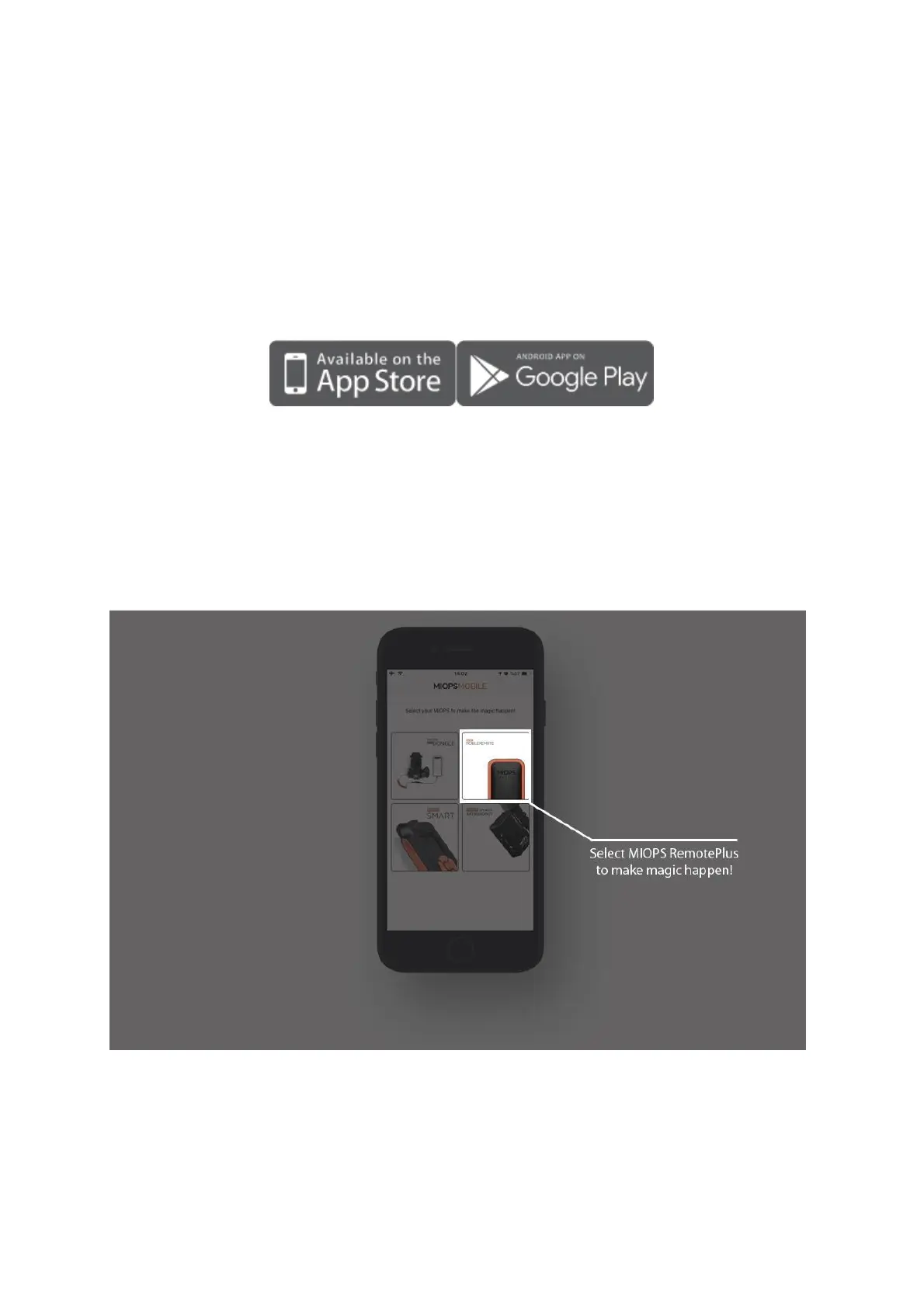
After opening the mobile app, you will be asked for selecting your MIOPS product.
After selecting MIOPS RemotePlus from the list, you will be listed all available
RemotePlus devices around. In case your device is not shown in the list, make sure
that your RemotePlus is turned ON and click the Scan button again.
7. Firmware Upgrade
MIOPS RemotePlus+ has the capability of updating its firmware without needing any
cable connection to a computer. You can use the mobile app to check for new
firmware version and then update the device with a single click.



 To Next Page