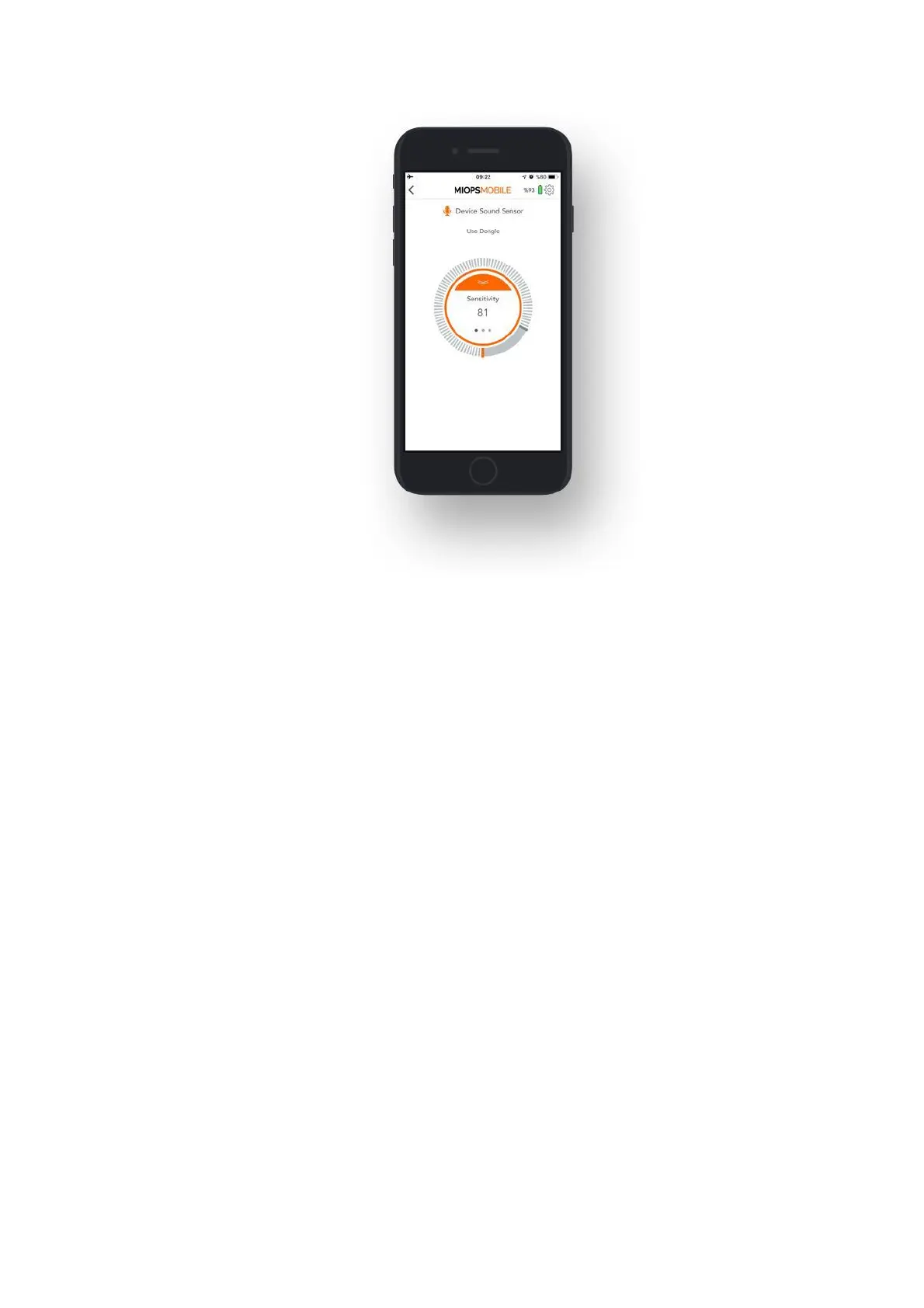
9.4.c. Laser:
The laser mode requires an external laser pointer (should be purchased
separately). This mode is based on the existence of a laser beam fed to the optical
receiver of the device. It will trigger your camera or flash unit whenever the beam
is broken. You can use a regular laser pen or pointer as the laser source. The color
of the laser does not make any difference. The Laser Mode has three parameters:
Threshold: This value determines the level of the light that will be considered as a
laser. The measured light level will be displayed in real time with orange bars. This
will help you to understand where to set the threshold approximately to filter out
the environment light. You can move the threshold bar around the button by
touching the grey bar.
Delay: This parameter defines the duration between the detection of the laser
break and the triggering of the camera. You can define the delay anywhere from 0
up to 999 milliseconds.
Frame: This parameter defines how many pictures to be taken in case the laser
beam is broken. Once the laser beam is broken, it will trigger the camera for so
many times defined with the Frame parameter. You can set the frame the number
all the way up to 99999.
The laser mode requires a consistent laser beam to be fed to the optical receiver
of the device. The receiver is located on the front face of the device. The receiver
is behind a transparent window and there is an optical lens on the window. The
lens will help to focus the laser beam to the receiver.
The laser beam must hit the lens on the window. A slight movement of the laser
source can move the beam away from the receiver, so make sure that both the



 To Next Page