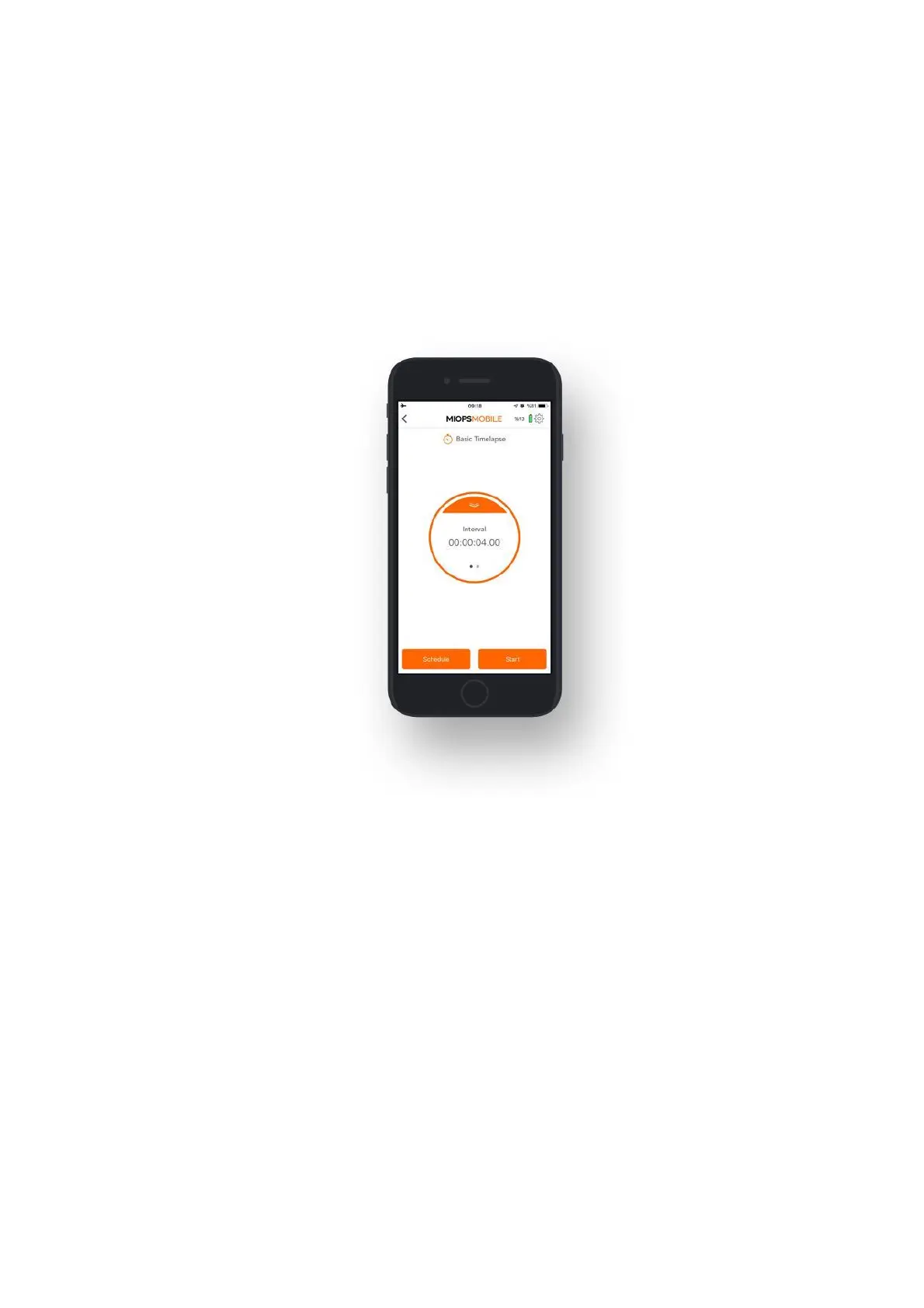
Once you start the mode, you can see the progress on the status screen. The
counter on the top will show the interval status. When the circle completes, the
interval period is over and the next picture will be taken. On the left-bottom, you
will see another counter which shows the number of pictures already taken. With
each frame, the counter will be increased by 1. Please note that, if the exposure
setting of your camera is greater than the interval value, the time lapse process
will not function properly. The exposure of your camera must be greater than the
interval value. Otherwise, the number of taken pictures will be less than shown on
the screen.
9.2.b. Long Exposure Timelapse:
In this mode, you can define a custom exposure for the time-lapse photos. It has
three parameters:
Interval: This parameter defines the duration between each frame. The Interval
can have a value from 13 milliseconds up to 100 hours.
Exposure: This value defines the exposure value for each photo. You can set a
custom exposure up to 100 hours in milliseconds.
Frame: This parameter defines how many pictures are to be taken. You can set the
frame number up to 99999. If you set the frame number to 0, this will mean that
the time-lapse will continue until you stop it.
When you start the Long Exposure Timelapse mode, you can see the progress on
the status screen. The first counter will show the interval. Each time timer of the
interval goes off, a photo with the custom exposure will be taken. After the
exposure is over the frame counter will be increased by 1 and the interval counter
will start again. This will continue until the targeted number of frames is achieved.



 To Next Page