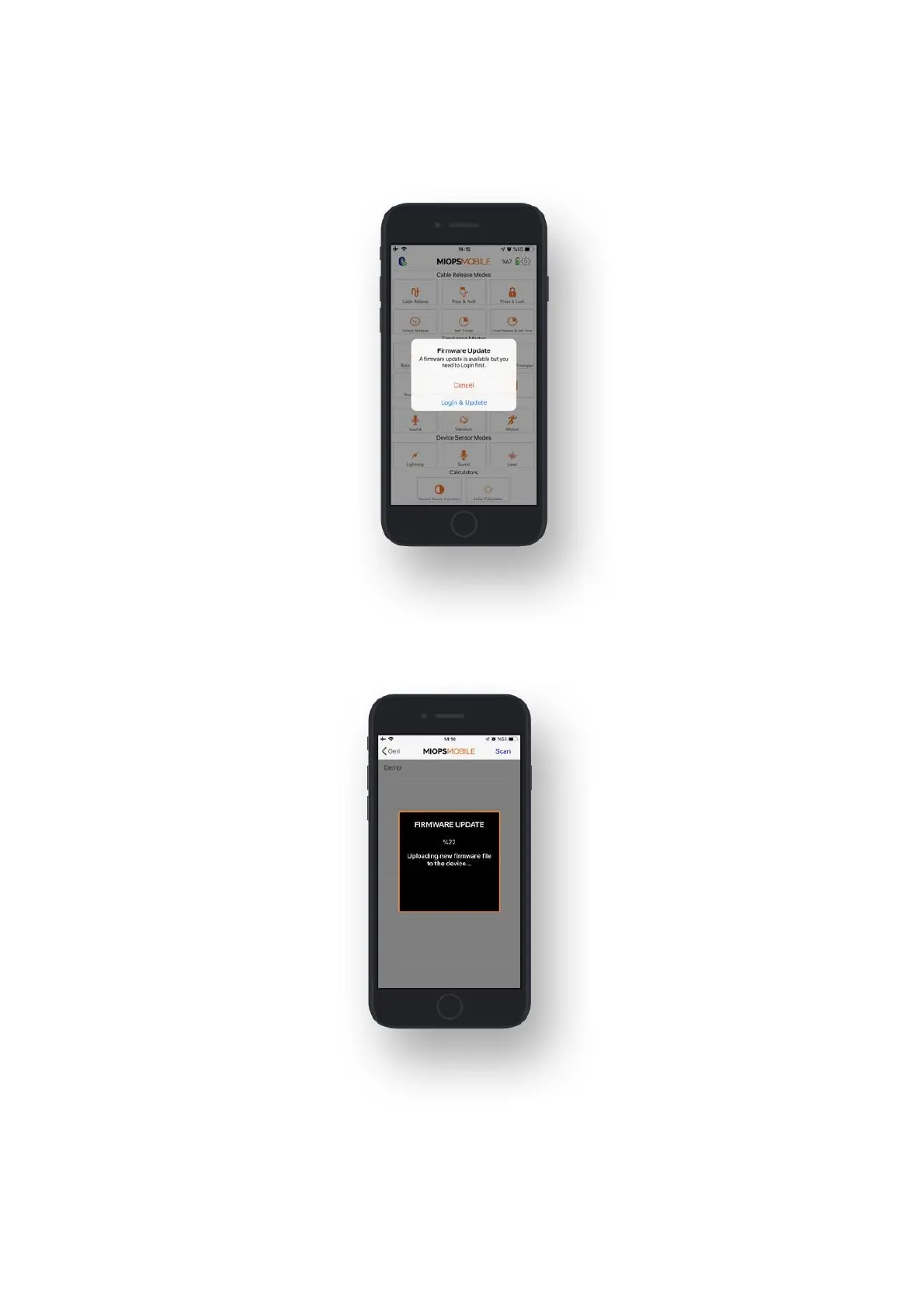
When you connect your device through MIOPS MOBILE app, it automatically checks
your device's firmware version and prompts a pop-up message if a new firmware is
available.
When you click "Update" button, the firmware upgrade process will start
immediately.
You can also use "Check Firmware Update" option in the Settings menu to check
manually if there is a new firmware available.



 To Next Page