USER MAINTENANCE
If you require a Mira trained service engineer or
agent, refer to section: ‘Customer Services’.
Fault Diagnosis
Symptom:
Only hot or cold water from the mixer outlet.•
Outlet temperature too hot / too cold.•
Cause/Rectication:
Inlets reversed (hot supply to cold supply). •
Rework inlet pipework.
No hot or cold water reaching the mixer.•
Checktheltersforanyblockage.•
Installation conditions outside operating •
parameters,refertosections:‘Specications’
and‘Commissioning’.
—————————————
Symptom:
Fluctuatingorreducedowrate.•
Cause/Rectication:
Check the showerhead, hose and lters for•
anyblockage.
Make sure that the maintained inlet pressures •
arenominallybalancedandsufcient,referto
section:‘Specications’.
Make sure that the inlet temperature •
differentials are sufcient, refer to section:
‘Specications’.
Airlockorpartialblockageinthepipework.•
—————————————
Symptom:
Water leaking from showerhead.•
Cause/Rectication:
Normal for a short period after shut off.•
Check that the pressures are not in excess of •
thespecicationsfortheproduct.
Cartridge inlet seals damaged, renew.•
Renew the thermostatic cartridge.•
OPERATION
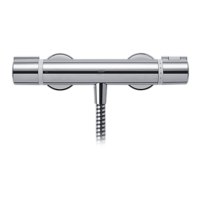
Adjusting the Temperature
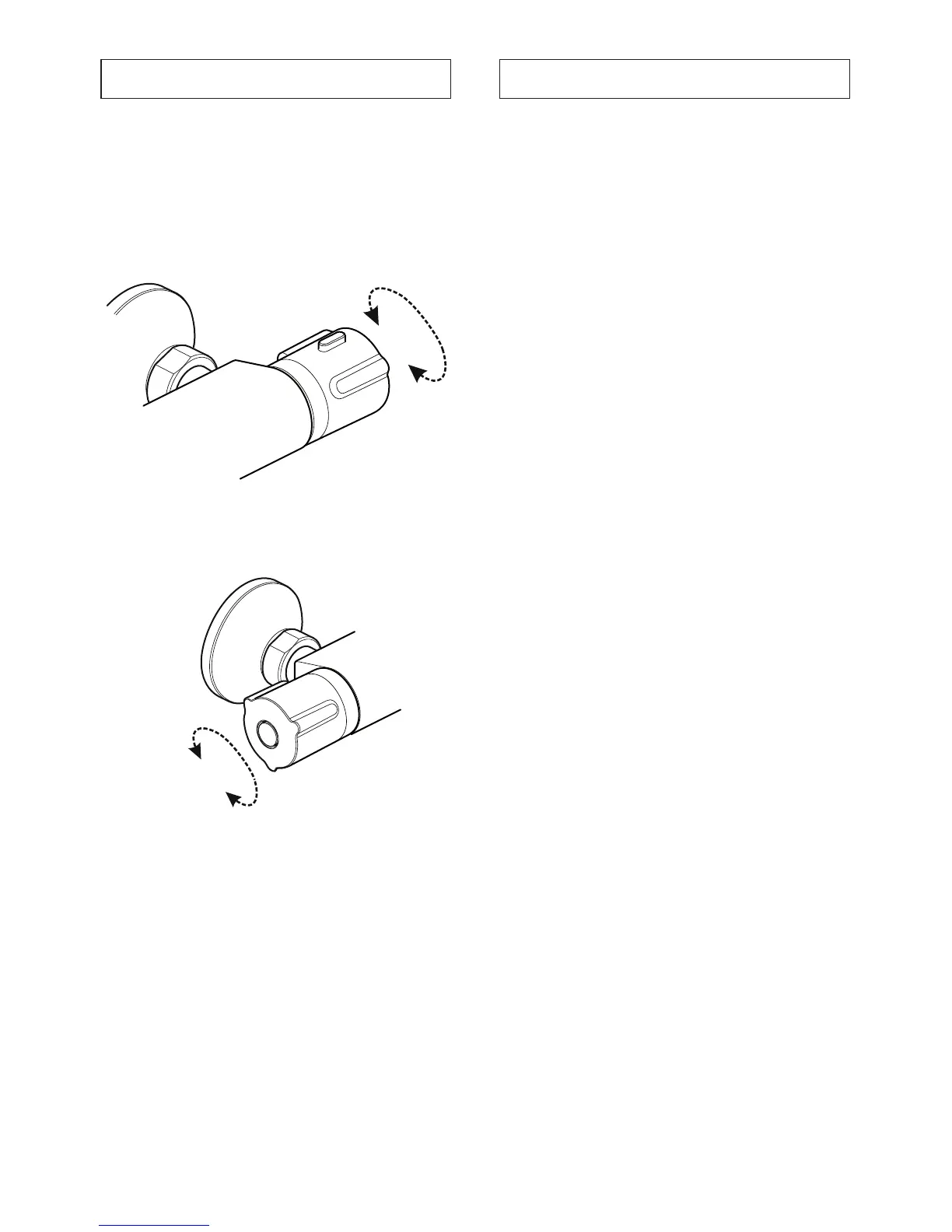
The temperature is controlled by rotating the
temperature knob.
For safety reasons, the temperature is limited by
an override stop. To obtain a higher temperature,
press the override button on the temperature knob
and continue to rotate.
+
-
Adjusting the Flow
The ow is controlled by rotating the ow knob.
ON
OFF


 To Next Page