Daily use20
Changing the hearing program
Depending on the listening situation, your hearing aids
automatically adjust their sound.
Your hearing aid may also have several hearing
programs which allow you to change the sound, if
needed. An optional signal tone can indicate the
program change.
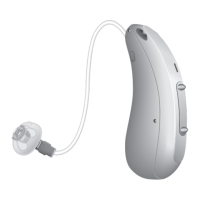
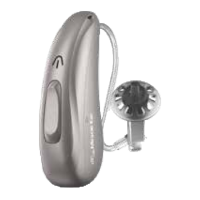
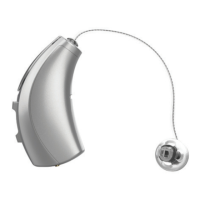
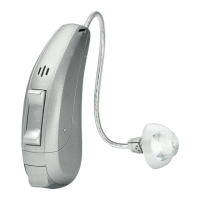
uTo change the hearing program, press the
push button or the rocker switch, or use a remote
control.
Refer to section “Controls” for the setting of your
controls. Refer to section “Settings” for a list of your
hearing programs.
If the AutoPhone function is activated, the hearing
program switches automatically to a telephone
program when the telephone receiver is close to
the ear.
Read more in section “On the phone”.




 To Next Page