7
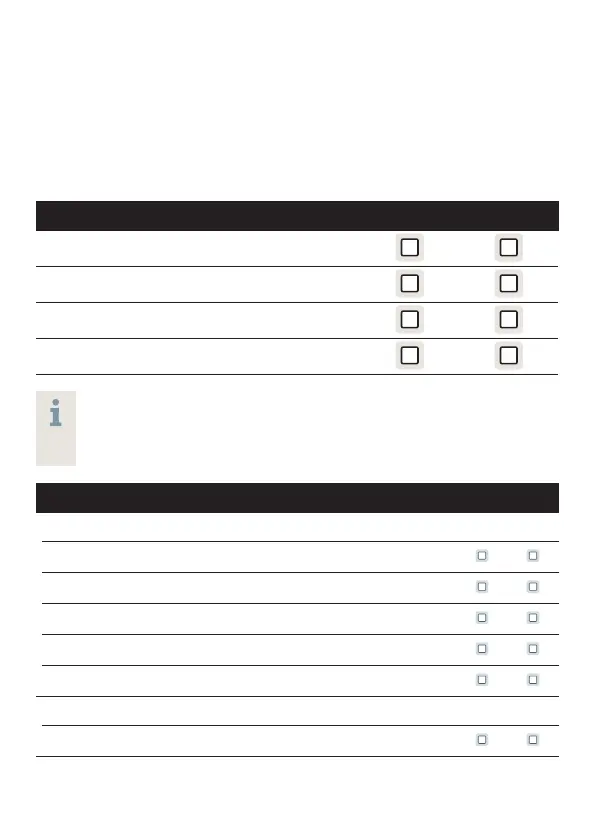
Controls
With the controls you can, for example, adjust the volume
or switch hearing programs. Your hearing aids either have a
push button, a volume control wheel, or no control at all.
Your Hearing Care Specialist has programmed your desired
functions to the controls.
Control Left Right
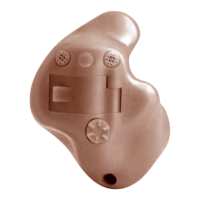
Push button
Battery Compartment with push button
Volume control wheel
No control
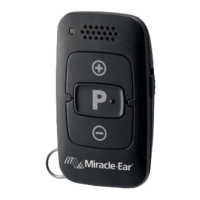
If your hearing aids have wireless functionality, you can
also use a remote control or a smartphone app to control
them.
Push button function L R
Press <1 second:
Program change
Volume up
Volume down
Tinnitus control feature level up
Tinnitus control feature level down
Press > 3 seconds:
Standby/turn on
L = Left, R = Right
G43013_USRB_G MEMINI ITE_ITC_CIC_IIC GENIUS 2.0 Manual.indd 7G43013_USRB_G MEMINI ITE_ITC_CIC_IIC GENIUS 2.0 Manual.indd 7 2/12/20 11:31 AM2/12/20 11:31 AM




 To Next Page