13
2.
Download and Install the App
Method 1
•
Method 2
•
•
Note
•
Active App
1.
2.
3.
Basic parameters for Wi-Fi:
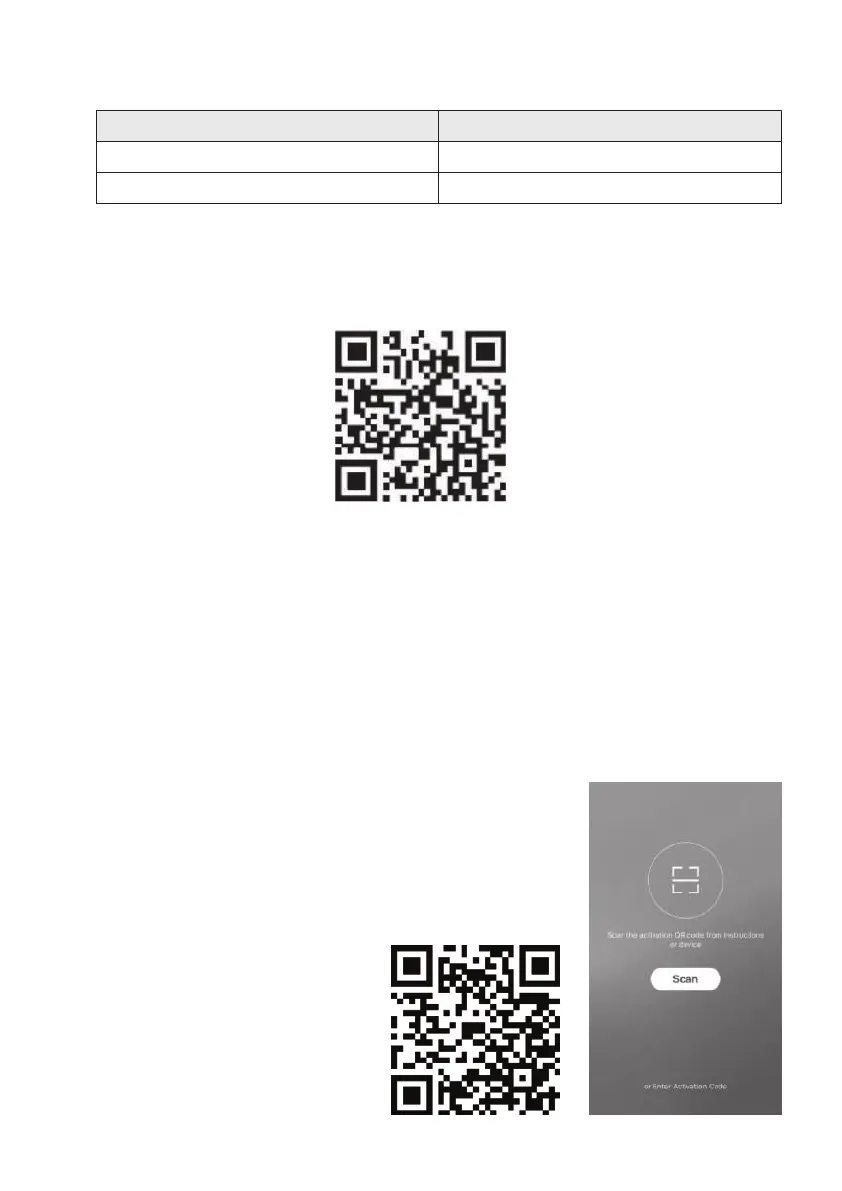
Please scan the QR code with a browser scanner, download and install the App.
For Android smart phone, open the Google "Play Store" on your smart phone and search
"SmartLife-SmartHome", download and install the APP.
For IOS smart phone, open the Apple "App Store" on your smart phone and search
" SmartLife-SmartHome ", download and install the APP.
Please enable the permissions of Storage / Location / Camera / Wi-Fi / Bluetooth for this APP
when installing. Otherwise it will have some problems when operating.
When you rst time enter the APP, it will display activation
interface, you can select activation QR code(click “Scan” button
and scan the activation QR code in below page) or input
“Activation code” words (in below page), click “Activate” button
to active it.
Activation QR code.
Activation code words: MistralSG
Parameters
Network Frequency
Standards of WLAN
Details
2.400 - 2.500GHz
IEEE 802.11 b/g/n(channels 1-14)


 To Next Page