16
Forgot the password
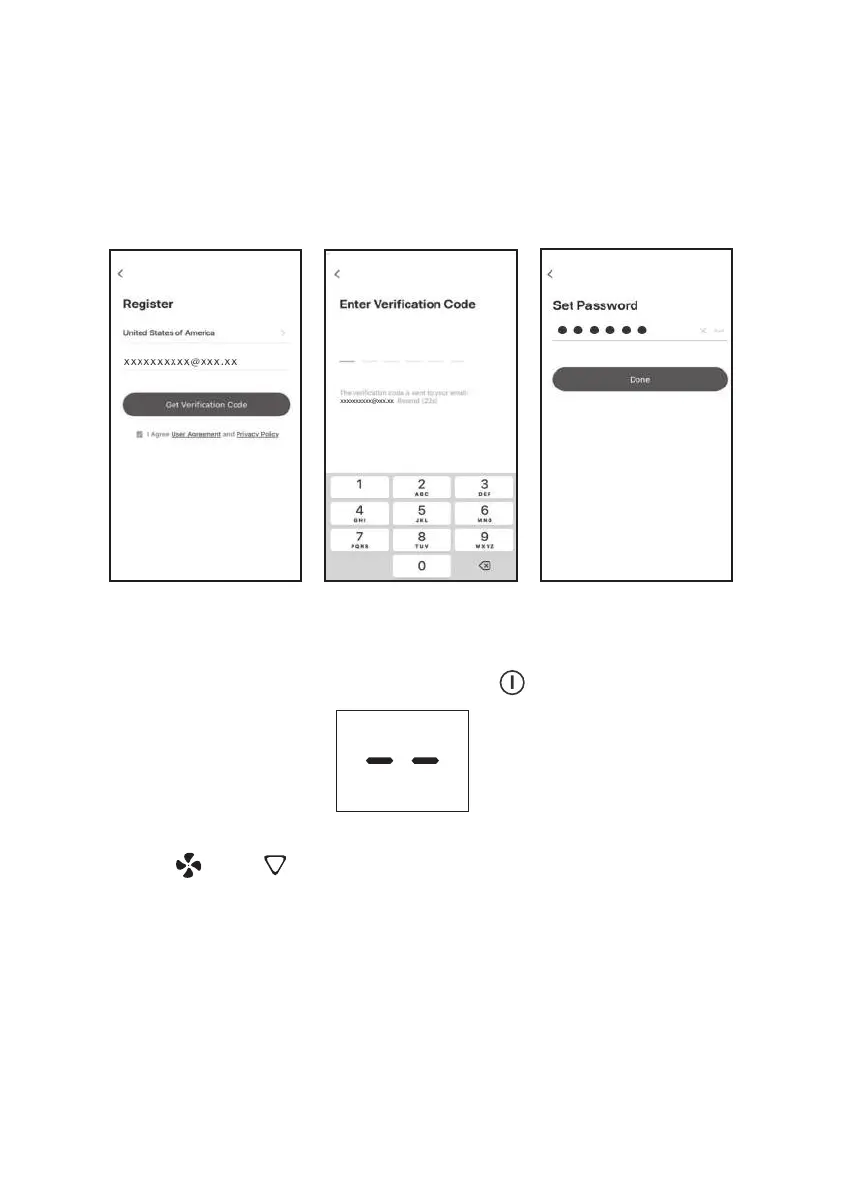
If you forgot the password or you want to reset the password, operate as below:
1.
2.
3.
4.
Add device
There are 2 methods to add the device:
•
Switch on the wi function
1.
2.
Tap "Forgot password".
Enter your account(E-mail address) and tap button "Get verication code".
Enter the verication code received by your E-mail.
Set the new password and tap button "Done".
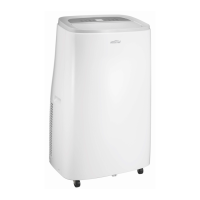
Please Power on the appliance, but do not press the " " button to turn it on.
The screen will show as:
Hold the “ ” and “ ” button about 5 seconds to switch on the Wi-Fi function.
The display screen will show the “CF”,and follow the CF mode to connect.


 To Next Page