79
7521
7521
N/B MAINTENANCE
N/B MAINTENANCE
5.2.11 System Board
Disassembly
1. Remove the Keyboard. (See section 5.2.6 Disassembly.)
2. Remove the LCD assembly. (See section 5.2.8 Disassembly.)
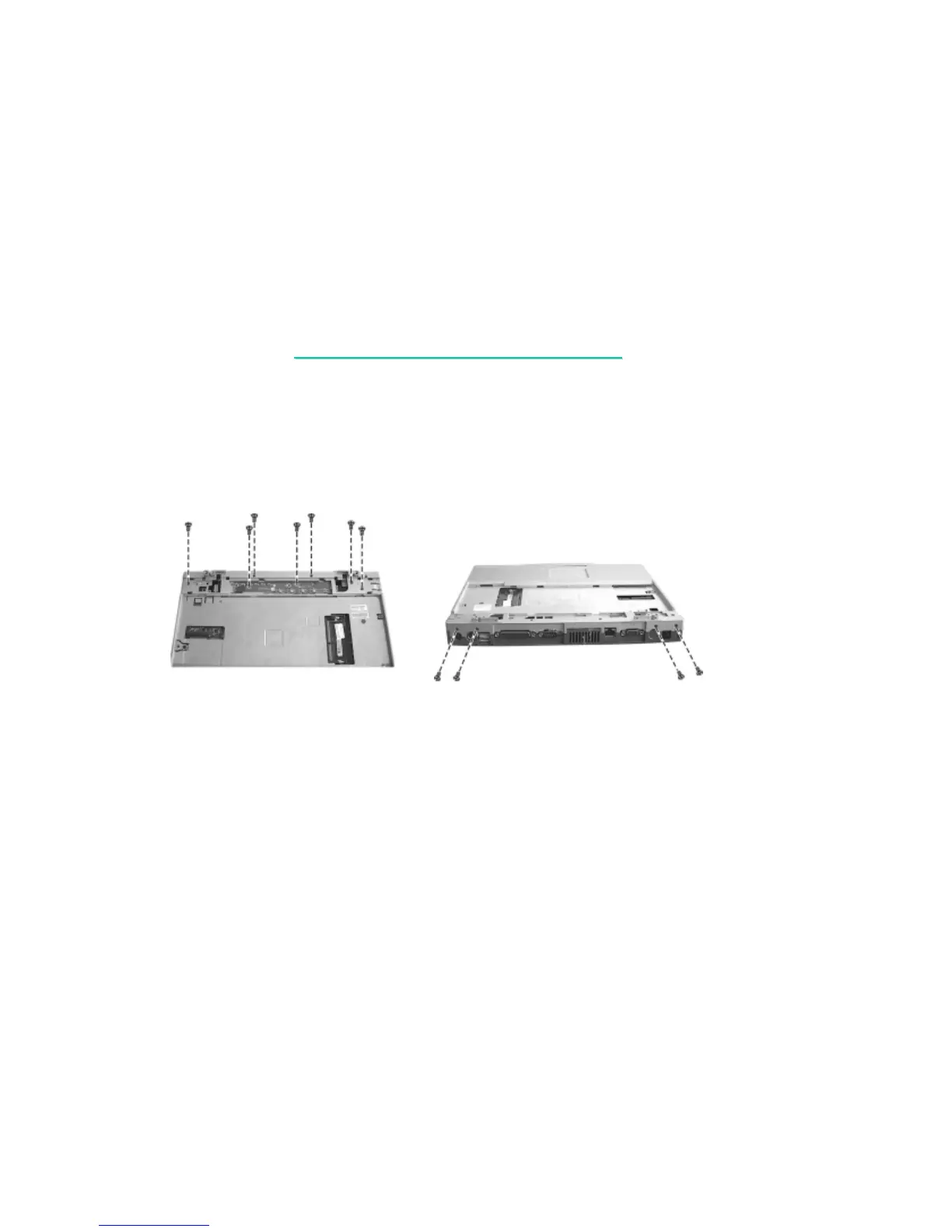
3. Remove seven screws, and then take out the Easy Start board. (figure 5-21)
Figure 5-21 Figure 5-22
4. Remove four screws on the rear side of the notebook. (figure 5-22)
5. Remove the battery pack, heatsink, modem card, FDD/HDD module, and CD-ROM drive.
(See section 5.2.1 to 5.2.5 Disassembly.)



 To Next Page