EasyManua.ls Logo

MiTAC Maestro 830 - Page 31

MiTAC Maestro 830
69 pages
Print Icon
To Next Page IconTo Next Page
To Previous Page IconTo Previous Page
Loading...
31
Field Name
Driver Version:
Default Value
Installed UEFI Driver Version
Comment
This field is not selectable. There is no help text associated with it.
Field Name
Driver Release Date:
Default Value
Installed UEFI Driver Release Date
Comment
This field is not selectable. There is no help text associated with it.
Field Name
Device Name:
Default Value
UEFI driver support device
Comment
This field is not selectable. There is no help text associated with it.
Field Name
PCI Slot:
Default Value
Device PCI Bus/Device/Number
Comment
This field is not selectable. There is no help text associated with it.
Field Name
MAC Address:
Default Value
LAN Device Mac address
Comment
This field is not selectable. There is no help text associated with it.
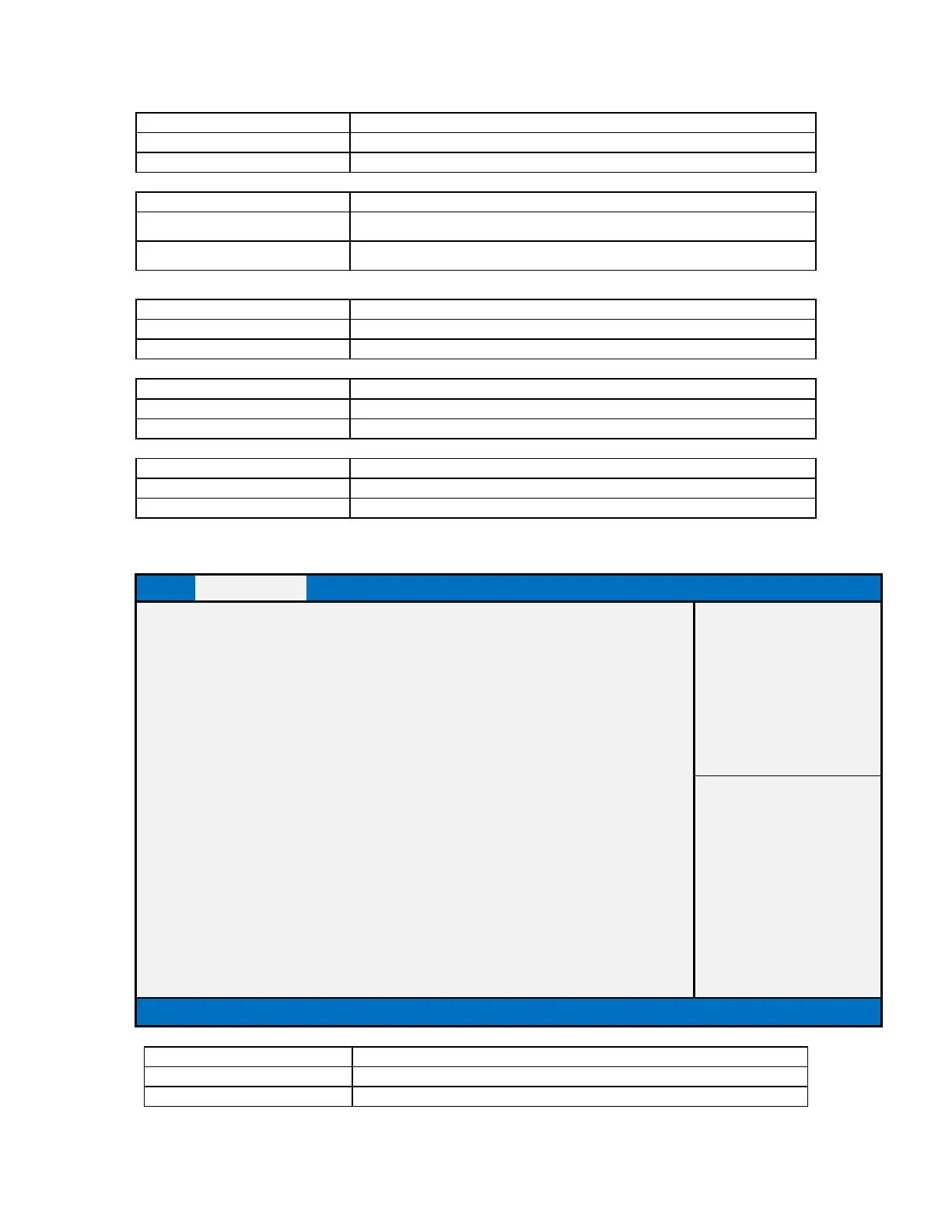
ACPI Settings
Main
Advanced
Chipset
Security
Boot
Save & Exit
ACPI Settings
Item help
Enable ACPI Auto Configuration
[Disabled]
Enable Hibernation
[Enabled]
ACPI Sleep State
[S3 (Suspend to RAM)]
→←: Select Screen
↑↓: Select Item
Enter: Select
+/- : Change Opt
F1: General Help
F2: Previous Values
F3: Optimized Defaults
F4: Save & Reset
ESC: Exit
Version 2.17.1249. Copyright (C) 2015 American Megatrends, Inc.
ESC: Exit
Field Name
Enable ACPI Auto Configuration
Default Value
[Disabled]
Possible Value
Enabled