EasyManua.ls Logo

MiTAC Maestro 830 - Page 45

MiTAC Maestro 830
69 pages
Print Icon
To Next Page IconTo Next Page
To Previous Page IconTo Previous Page
Loading...
45
USB Configuration
Main
Advanced
Chipset
Security
Boot
Save & Exit
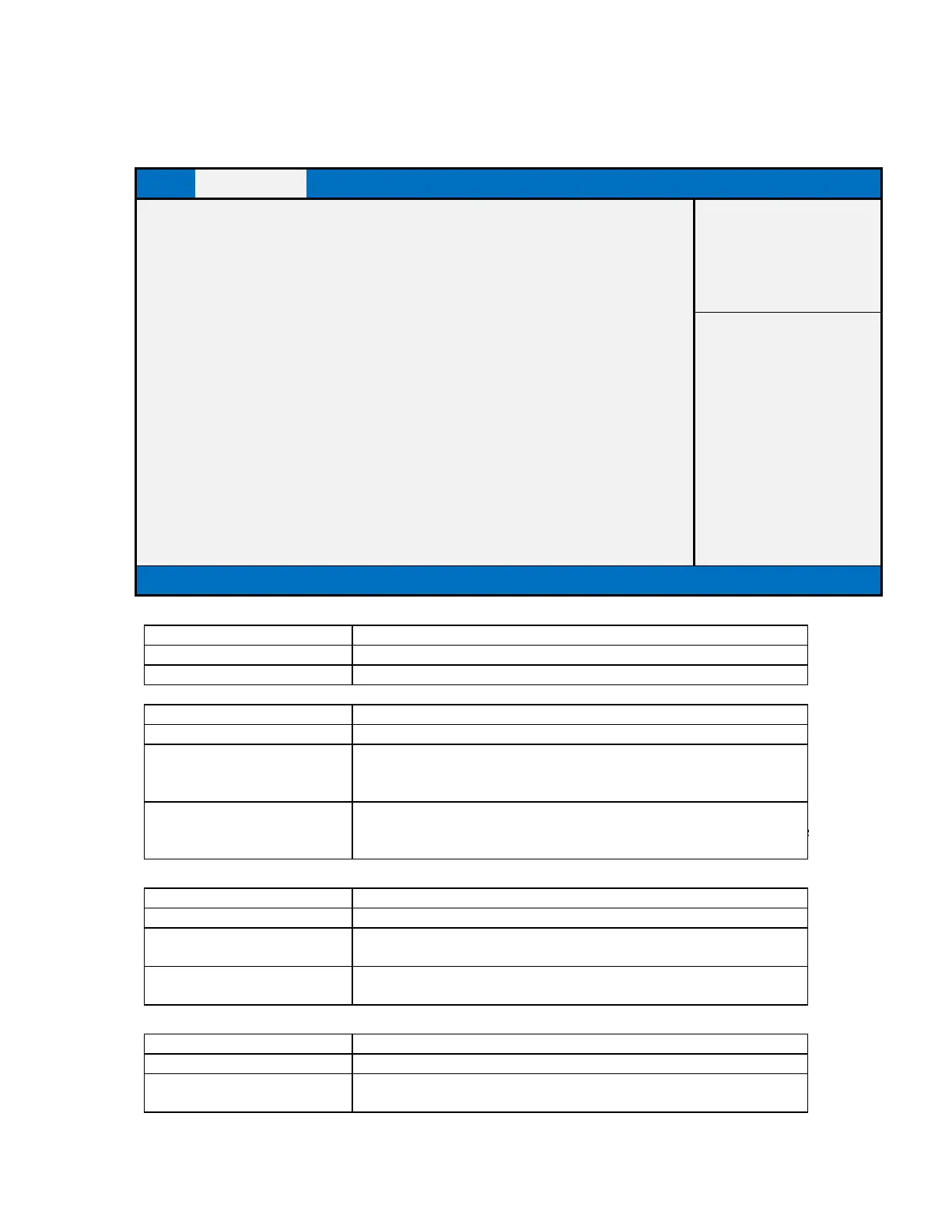
USB Configuration
Item help
USB Devices:
1 Keyboard, 1 Mouse, 2 Hubs
→←: Select Screen
Legacy USB Support
[Enabled]
: Select Item
XHCI Hand-off
[Disabled]
Enter: Select
USB Mass Storage Driver Support
[Enabled]
+/- : Change Opt
Port 60/64 Emulation
[Disabled]
F1: General Help
F2: Previous Values
F3: Optimized Defaults
F4: Save & Reset
ESC: Exit
Version 2.17.1249. Copyright (C) 2015 American Megatrends, Inc.
Field Name
USB Devices:
Default Value
Connected USB devices
Comment
This field is not selectable. There is no help text associated with it.
Field Name
Legacy USB Support
Default Value
[Enabled]
Possible Value
Disabled
Enabled
Auto
Help
Enables Legacy USB support. AUTO option disables legacy support if
no USB devices are connected. DISABLE option will keep USB devices
available only for EFI applications.
Field Name
XHCI Hand-off
Default Value
[Disabled]
Possible Value
Disabled
Enabled
Help
This is a workaround for OSes without XHCI hand-off support. The
XHCI ownership change should be claimed by XHCI driver.
Field Name
USB Mass Storage Driver Support
Default Value
[Enabled]
Possible Value
Disabled
Enabled