EasyManua.ls Logo

MiTAC Maestro 830 - Page 61

MiTAC Maestro 830
69 pages
Print Icon
To Next Page IconTo Next Page
To Previous Page IconTo Previous Page
Loading...
61
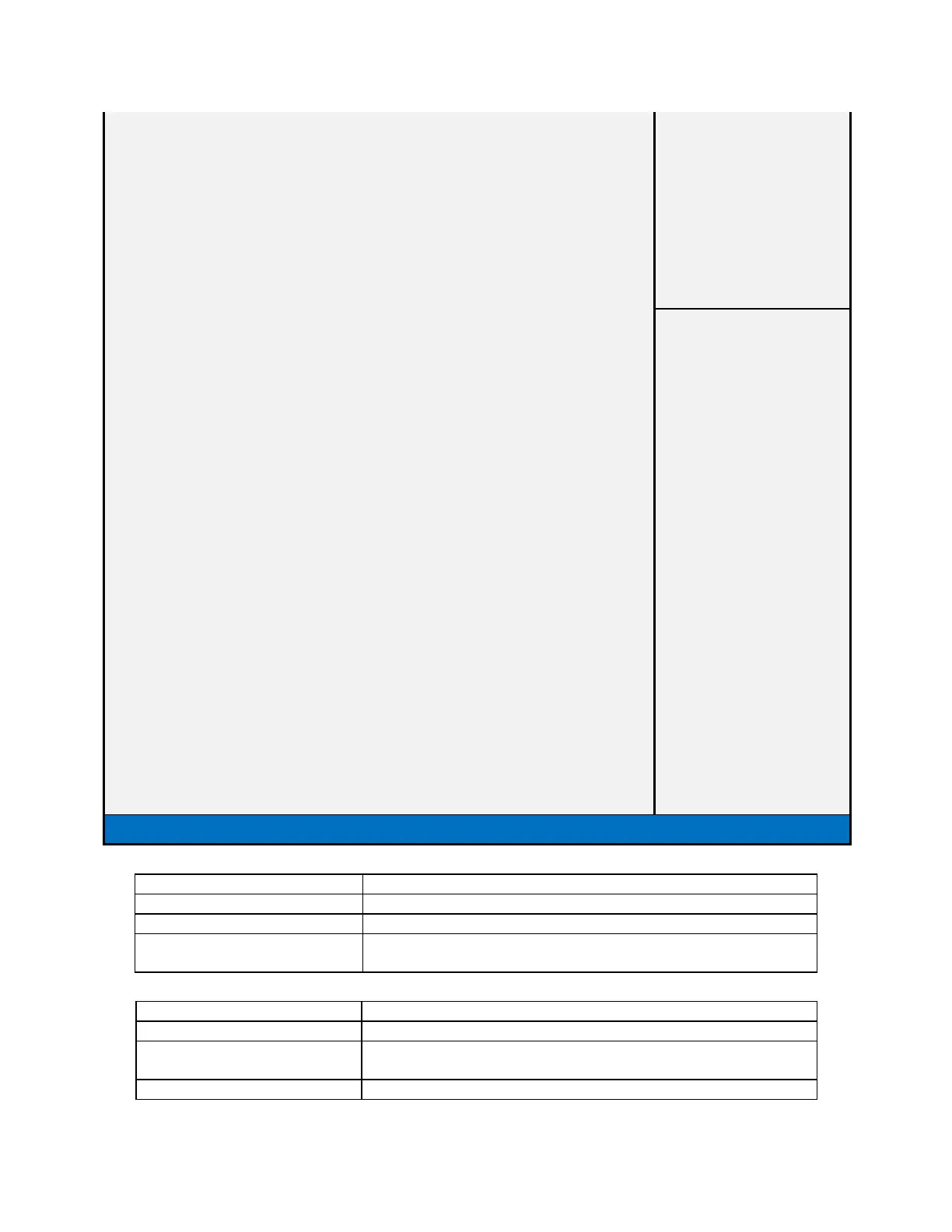
Setup Prompt Timeout
1
Bootup NumLock State
[On]
Quiet Boot
[Enabled]
Fast Boot
[Enabled]
Boot mode select
[LEGACY]
FIXED BOOT ORDER Priorities
→←: Select Screen
Boot Option #1
[Hard Disk]
: Select Item
Boot Option #2
[CD/DVD]
Enter: Select
Boot Option #3
[USB Hard Disk]
+/- : Change Opt
Boot Option #4
[USB CD/DVD]
F1: General Help
Boot Option #5
[USB Key]
F2: Previous Values
Boot Option #6
[USB USB Floppy]
F3: Restore Legacy defaults
Boot Option #7
[USB Lan]
F4: Save & Reset
Boot Option #8
[Network]
ESC: Exit
CD/DVD ROM Drive BBS Priorities
Hard Disk Drive BBS Priorities
NETWORK Drive BBS Priorities
USB CD/DVD ROM Drive BBS Priorities
USB Hard Disk Drive BBS Priorities
USB KEY Drive BBS Priorities
Version 2.17.1254. Copyright (C) 2015 American Megatrends, Inc.
Field Name
Setup Prompt Timeout
Default Value
1
Possible Value
1~65535
Help
Number of seconds to wait for setup activation key. 65535(0xFFFF)
means indefinite waiting.
Field Name
Boot NumLock State
Default Value
[On]
Possible Value
On
Off
Help
Select the keyboard NumLock state