-10-
(C) Date/time adjustment (RTC Adjustment) ─ Function 1
1. Switch
⑪
the function rotary switch to turn on power and
no meter which function selected (Main page)
2. Press
⑥
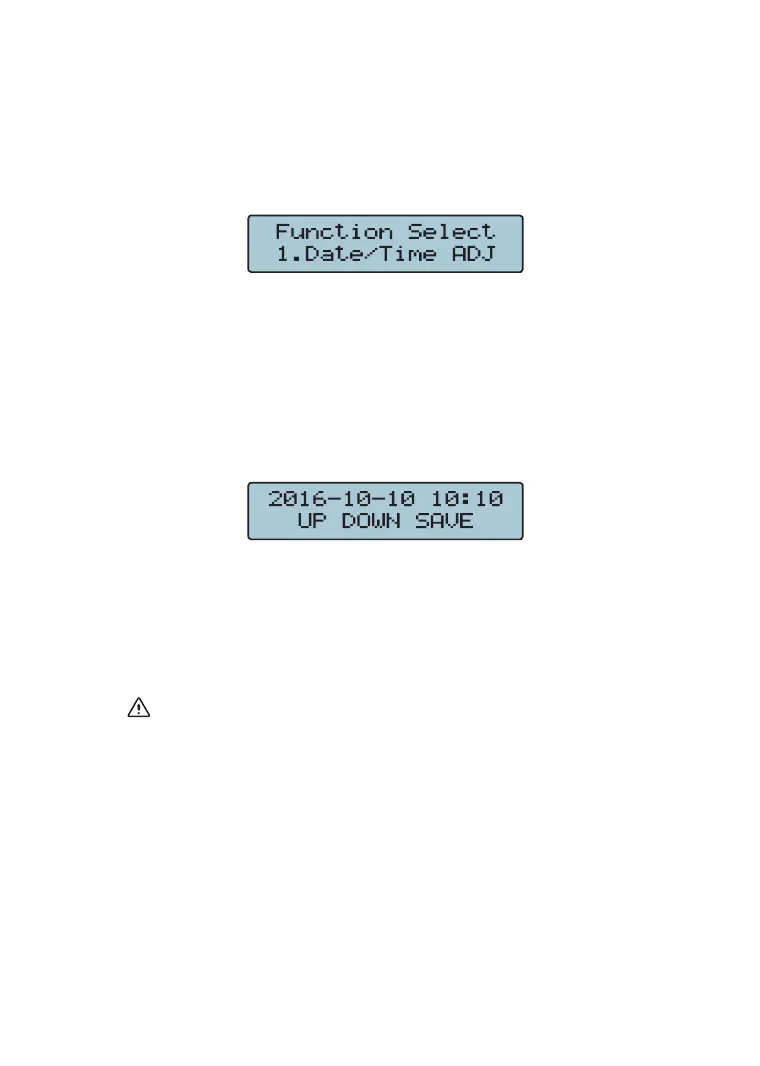
SELECT button to enter the minor function
selection, LCD display the following pictures respectively:
3. Press
⑨
(ENTER/SAVE) button to enter the Date/Time
Adjustment .
4. Press
⑥
SELECT button to select year, month, day, hour
or minute for adjustment, LCD display the following
pictures respectively:
5. Press
⑦
(value-add) "up" or
⑧
(value-reduce) "down" till
the correct value is reached.
6. After all adjustments are complete, press
⑨
(ENTER/
SAVE) to conrm and save the data measured.
Note: if Date/Time unit (year, month, day, hour or minute)
needs not to be adjusted, press
⑩
(ESC) to skip it and
return back to the minor function selection.
7. Press
⑩
(ESC) again to return back to the main page.



 To Next Page