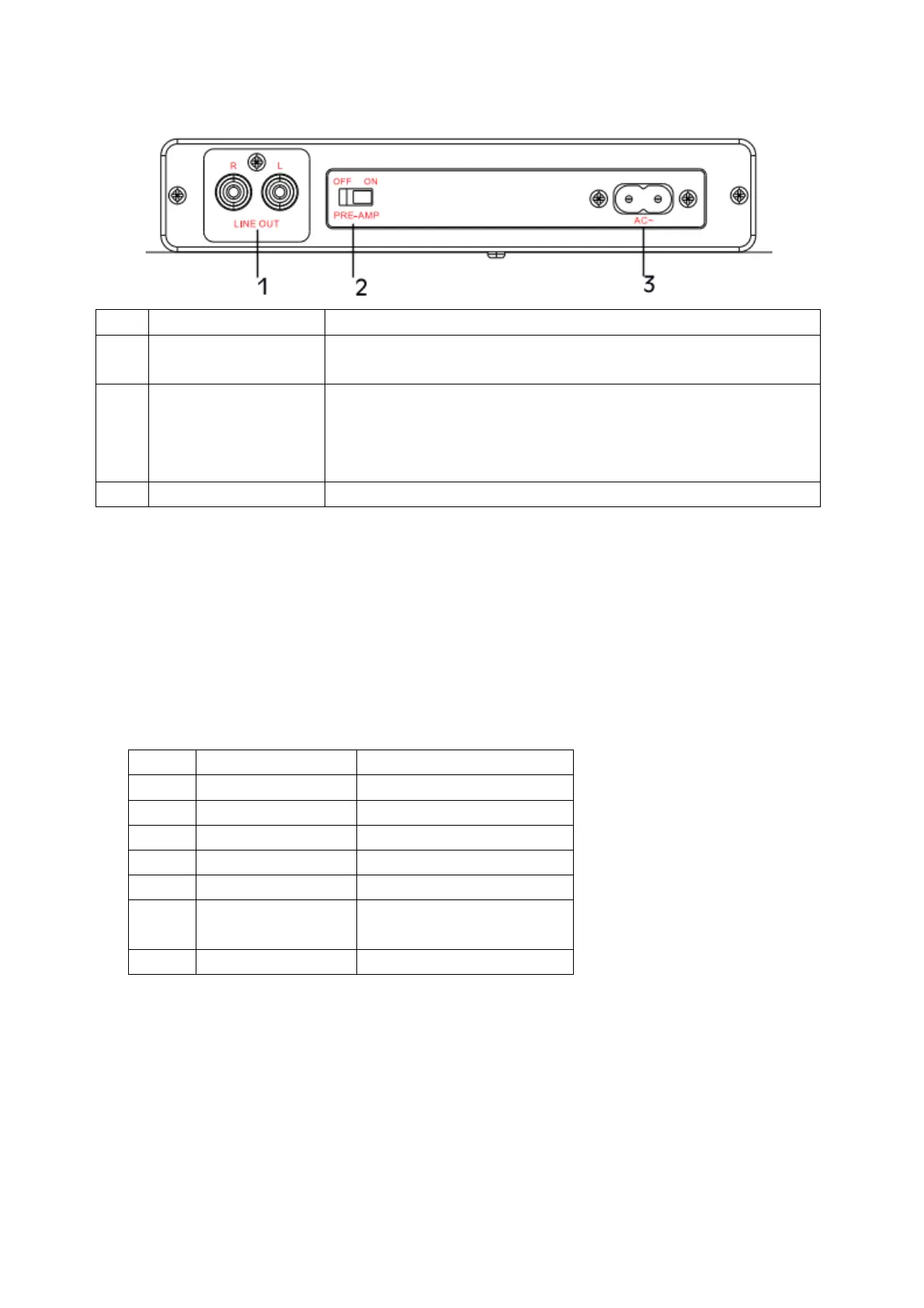
Rear view
Plug the included RCA cable into this jack. Make sure red to red
and white to white.
Ensure pre-amp switch is switched to “ON” for “LINE IN”
connection. For “PHONO ON” connection pre-am switch would
be switched to “OFF”. Improper setting of PRE-AMP switch will
lead to no sound or explosive sound.
Plug the AC power cord into this jack and into a power outlet.
Setting up your turntable
You need to install the turntable before you can use it.
1. Take the accessories out of the packing case and check that the accessories are in complete
and good condition.
2 pcs (one installed and
one spare)
2. Install the metal platter (the belt is preinstalled on the bottom of the metal platter) and a
turntable mat on the metal platter.
3. Install dust cover.
4. Attach and adjust the counterweight.
5. Carefully remover the tape. Too much force will damage the cover and stylus.



 To Next Page