- 16 - - 17 -
2.8.3 Move note position.
Touch any note been made on screen then it shows a green frame. The note frame
can be dragged to any position you want to mark on the photo.
2.8.4 Erase note
Touch any note been made on screen then it shows a green frame. Touch the [Erase]
to delete the note frame.
During keying any note, use the [Erase] function to erase all characters.
2.8.5 Save
[Save] Please make sure saving the photo with notes you made. The system creates
anewleinthealbum.Theoriginalphotowillnotbecovered.
•
•
•
•
2.9 Album –Compare function
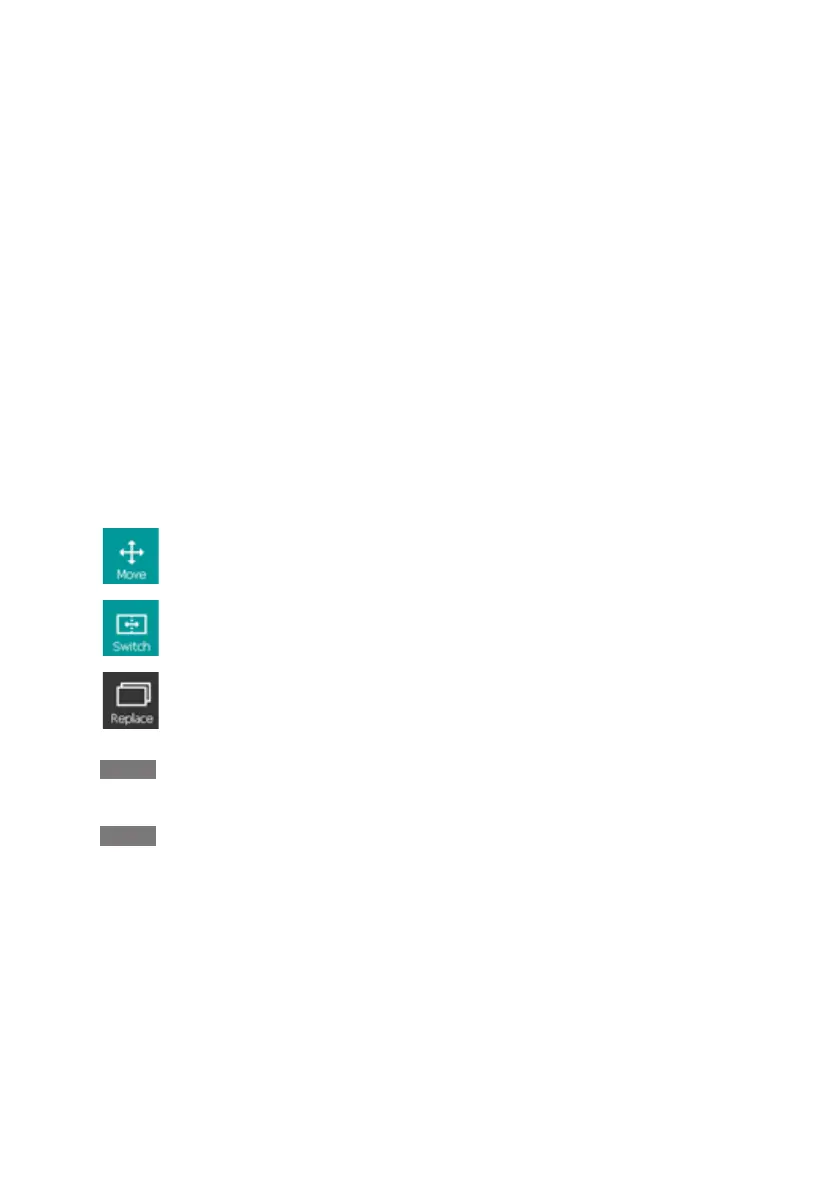
Touchthe“Compare”keytocomparetheliveviewwithanystoredimagele.
To move the compared photo to target position.
To switch the left / right side viewing window.
To replace another compared photo.
Note:
Push the [Home] key to go back to live view.
Note:
Concerningthenecessarilyusageofaccessingstoredimagesles,the
[wireless] and [compare] functions will be disable when there is no SD card
installed in console.


 To Next Page