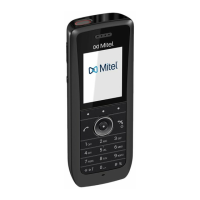
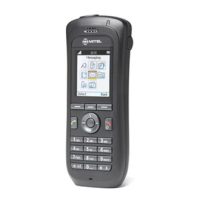
Mitel 5634 VoWi-Fi Handset
Display Icons and Texts
Table 1 Status and system icons description (continued)
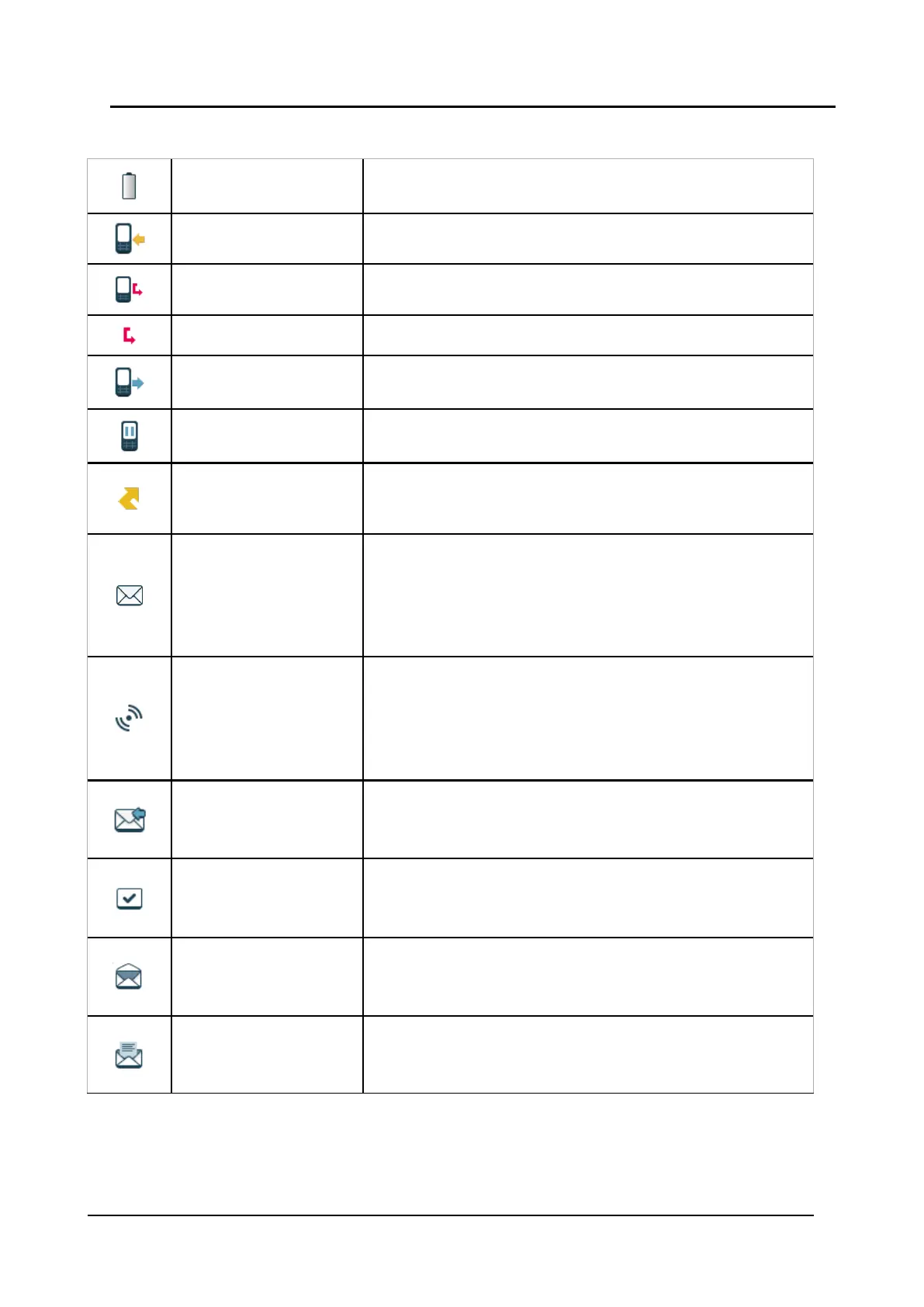
Empty battery warning The icon is flashing in the Status bar and indicating that battery
has 7% or less remaining capacity.
Incoming call Indicates incoming calls and answered calls. The icon appears in
the Call list and in a call window when the call is received.
Missed call Indicates missed calls. The icon appears in the Call list and in
the Missed calls list.
Missed call Indicates missed calls. The icon appears in the Status bar.
Outgoing call
Indicates outgoing calls. The icon appears in the Call list and in a
call window when making a call.
On hold call
Indicates that this call has been placed on hold. The icon
appears in a call window during the call.
Call diversion
Indicates that the received calls are diverted to another handset
or external number. The icon appears in the Active area near the
number selected for diversion.
New message (sent by
another handset)
Indicates that a new text message (or messages) has arrived.
The icon appears in the Status bar and the Inbox.
NOTE: The icon is displayed until all new messages in the Inbox
are read.
NOTE: Applicable to 5634 Services and 5634 Alarm only.
New message (sent by
the system)
Indicates that a new message has been sent by the system. The
icon appears in the Status bar and the Inbox.
NOTE: The icon stays in the Status bar until all new messages in
the Inbox are read.
NOTE: Applicable to 5634 Services and 5634 Alarm only.
Message with request for
answer
Indicates that you have received a message that requires the
response from you. The icon appears in the Inbox.
NOTE: Applicable to 5634 Services and 5634 Alarm only.
Sent message
Indicates that a text message has been sent. The icon appears
in the list of the Sent messages.
NOTE: Applicable to 5634 Services and 5634 Alarm only.
Read message
Indicates that a text message has been read. The icon appears
in the Inbox.
NOTE: Applicable to 5634 Services and 5634 Alarm only.
Unsent message
Indicates that a message has not been sent. The icon appears in
the list of Unsent messages.
NOTE: Applicable to 5634 Services and 5634 Alarm only.


 To Next Page
 Loading...