Display Icons and Texts
QUICK REFERENCE GUIDE
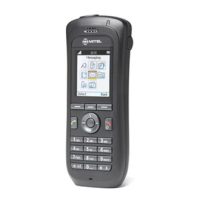
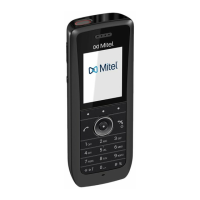
Mitel 5634 VoWi-Fi Handset
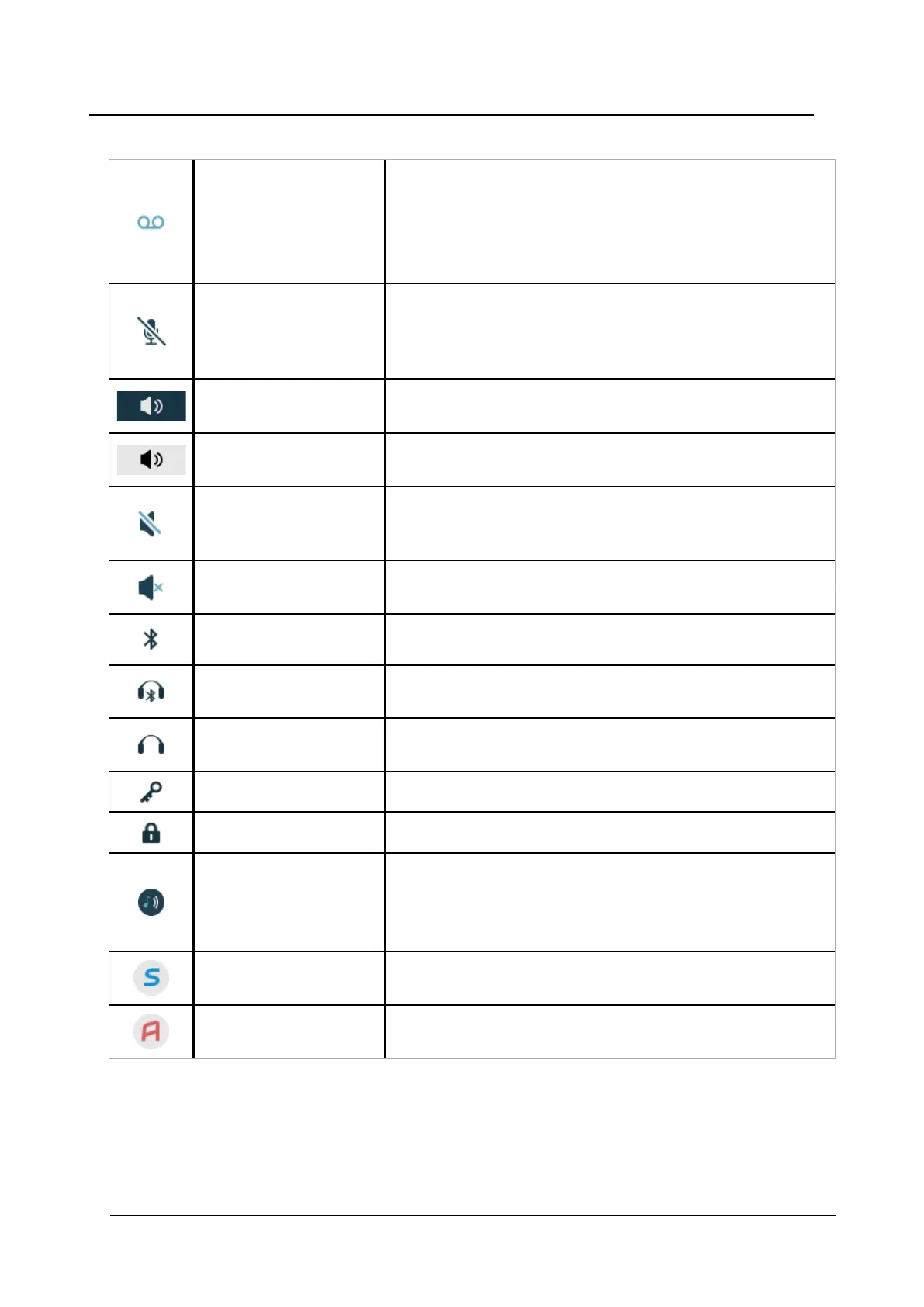
Table 1 Status and system icons description (continued)
Voicemail message
Indicates that you gave received a new voicemail message. The
icon appears in the Status bar.
NOTE: The icon stays in the Status bar until the voicemail has
been listened to.
NOTE: Voicemail access is system-dependent feature.
Microphone off
Indicates that the microphone is silent. The icon appears in the
Header bar.
NOTE: During a PTT call, the microphone is inactive when the
PTT button is released.
Loudspeaker on
Indicates that the loudspeaker is turned on. The icon appears in
the Soft key bar during a call.
Loudspeaker off Indicates that the loudspeaker is turned off. The icon appears in
the Soft key bar during a call.
Sound off Indicates that all the signals have been muted. The icon appears
in the Status bar when the Sound off key or Mute button is
pressed and hold.
Silent volume Indicates that the ring signal has been muted. The icon appears
in the Status bar when the ring volume is set to Silent.
Bluetooth Indicates that Bluetooth is enabled. The icon appears in the
Header bar.
Bluetooth headset Indicates that a Bluetooth headset is connected to the handset.
The icon appears in the Header bar.
Headset
Indicates that a corded headset is connected to the handset.
The icon appears in the Header bar.
Key lock
Indicates a locked keypad. The icon appears in the Status bar.
Phone lock
Indicates a locked handset. The icon appears in the Status bar.
Profile active
Indicates that a profile is active. The icon appears in the left
lower part of the Active area.
NOTE: If any error or warning message appears on the
handset’s display, the icon will be moved to the Header bar.
Handset model 5634
Services
Indicates that the handset is a 5634 Services. The icon is
located in the right part of the Active area.
Handset model 5634
Alarm
Indicates that the handset is a 5634 Alarm. The icon is located in
the right part of the Active area.


 To Next Page