Application Window
Features and Controls
EMF MeterManual (A6) V1.indd 19 2/14/18 1:41 PM
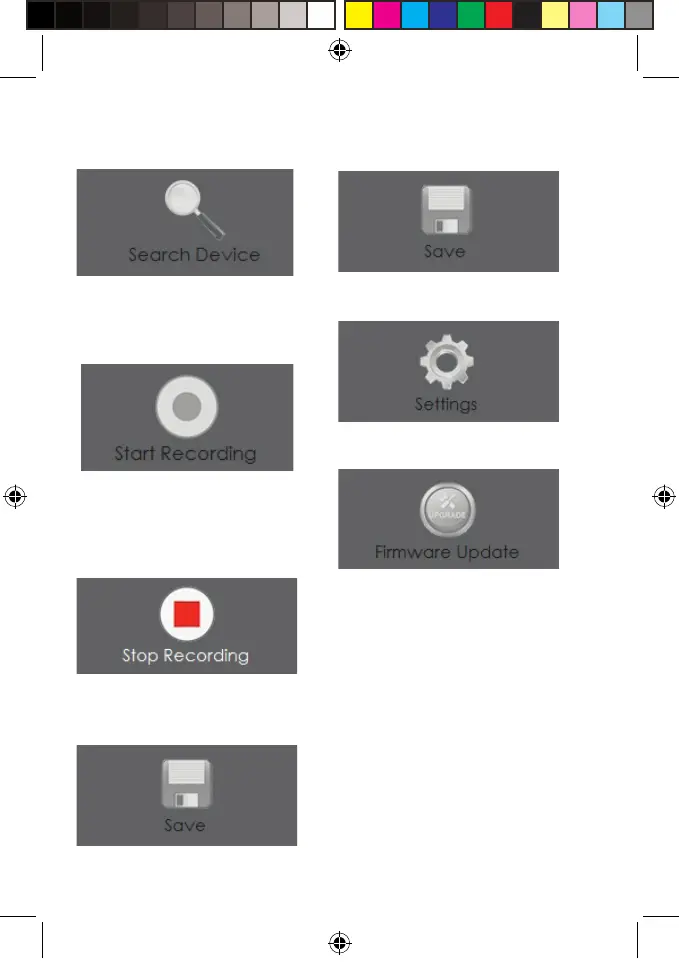
Save collected data to le.Search for and connect to a
compatible device via the COM
port on your computer.
Starts data collection from the
device.
(This button will only work if a
compatible device is connected.)
Enter software settings.
Updates the rmware on the
device.
Stops data collection from the
device.
Save collected data to le.



 To Next Page