Firmware Updates
Firmware, is software installed on the Meter. It is
important to check that the version on the Meter is up to
date.
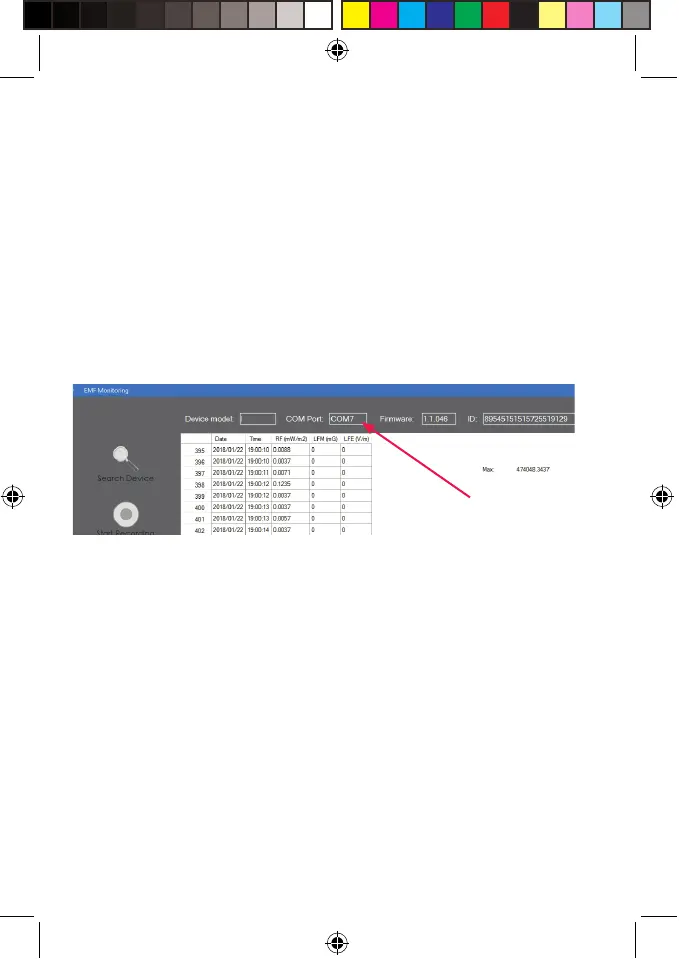
The current rmware on the device will be shown at the
top of the application window once the device is
connected:
Go to our website to check for the latest release at:
https://mitohq.com/mito-meter-resources/
If there is a later version available download it to your
computer.
Once you have the le on your local drive: Click the
“Firmware Update” button – you will be prompted to
locate the le you have downloaded.
Firmware Version
EMF MeterManual (A6) V1.indd 20
2/14/18 1:41 PM



 To Next Page