EasyManua.ls Logo

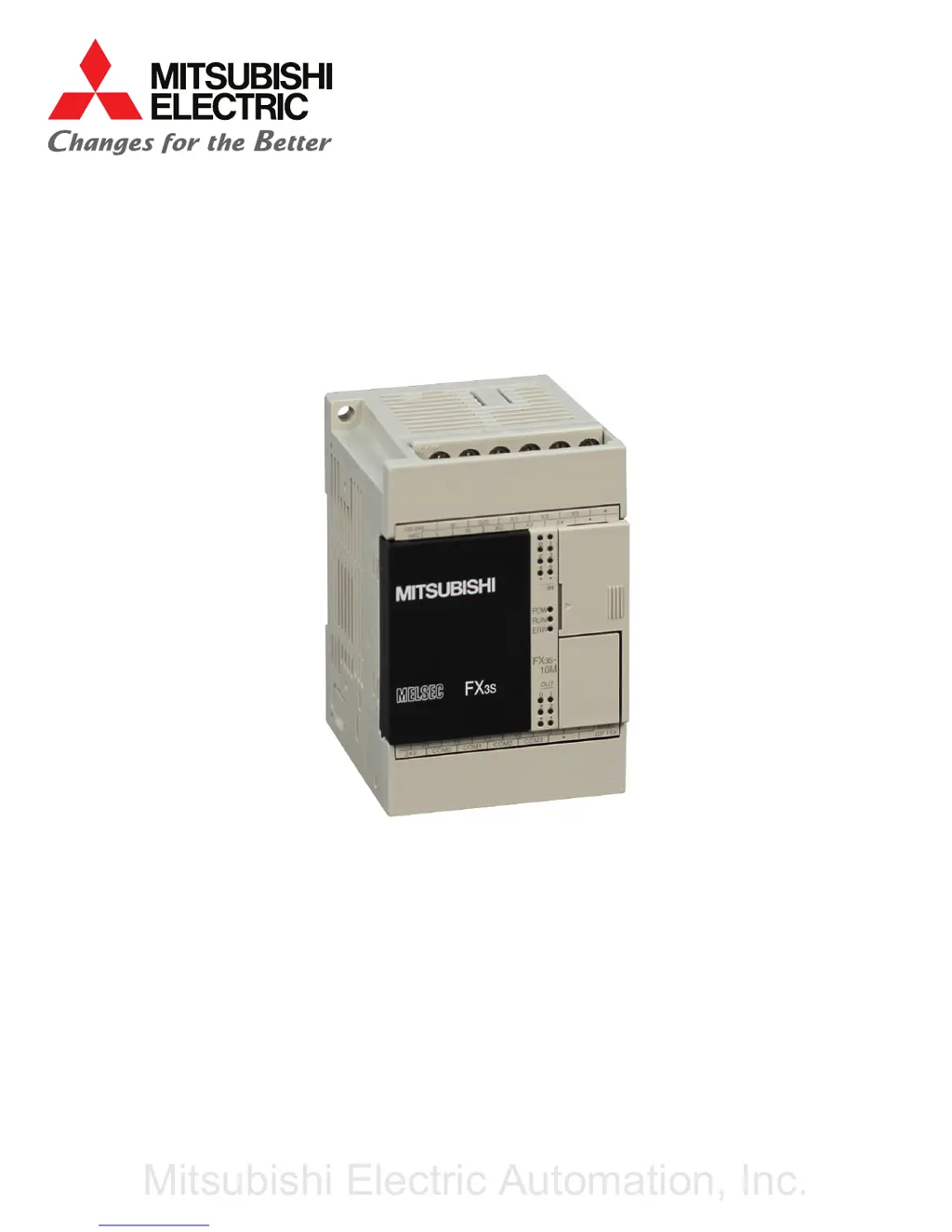
Mitsubishi Electric FX3S - User Manual

Mitsubishi Electric FX3S
19 pages
Print Icon
To Next Page IconTo Next Page
Loading...
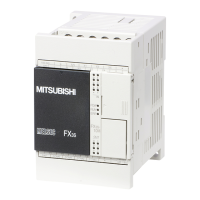
PROGRAMMABLE LOGIC CONTROLLER
MODEL
FX3S
QUICK START MANUAL
Mitsubishi Electric Automation, Inc.

Questions and Answers

  • R
    Randy GuzmanAug 3, 2025
    What to do if the Power LED is flashing on my Mitsubishi Electric FX3S?
    • G
      garciawilliamAug 3, 2025
      If the Power LED is flashing, it could be due to several reasons: the power supply not providing the correct voltage and current, incorrect external wiring, or an internal error within the PLC. First, check the supply voltage. Then, disconnect all cables except the power cable, and re-apply power to the PLC to see if the state changes. If the problem remains, it may indicate an internal error.
  • H
    Holly DayAug 14, 2025
    What to do if ERR LED is flashing on Mitsubishi Electric Controller?
    • M
      Mrs. Vickie HarrisonAug 14, 2025
      If the ERR LED is flashing, the PLC has encountered an error such as a parameter error, syntax error, or ladder error. Perform a PLC diagnosis and program check using the programming tool to identify and resolve the specific error.
  • J
    Justin HardingAug 21, 2025
    Why is the Power LED OFF on my Mitsubishi Electric FX3S?
    • A
      Alicia JacobsAug 21, 2025
      The Power LED might be OFF because the power supply is off, the external wiring is incorrect, the specified voltage isn't reaching the power supply terminal, or the power cable is broken. If the power is on, check the power supply and its route. Also, disconnect all cables except the power cable and re-apply power to the PLC to check for any changes.
  • D
    deleonluisAug 27, 2025
    What to do if the ERR LED is OFF but Mitsubishi Electric Controller operations are abnormal?
    • Y
      yreedAug 27, 2025
      If the operations of the PLC are abnormal, perform PLC diagnosis and program check with the programming tool. An I/O error, Comms error or Runtime error may have occurred.
  • K
    Keith HayesNov 7, 2025
    How to fix ERR LED ON on Mitsubishi Electric FX3S?
    • M
      michaelgriffinNov 7, 2025
      If the ERR LED is ON, it may be due to a watchdog timer error or hardware damage to the PLC. Try these steps: 1. Stop the PLC and re-apply power. If the ERR LED turns off, review the program, ensuring the scan time's maximum value (D8012) doesn't exceed the watchdog timer setting (D8000). Also, check that the input used for input interruption or pulse catch isn't abnormally turning on and off in one scan, and that the frequency of the pulse input to the high-speed counter does not exceed the specified range. Consider adding WDT instructions to reset the watchdog timer, or change the watchdog timer setting (D8000) to be larger than the maximum scan time (D8012). 2. Remove the PLC and power it from another source. If the ERR LED turns off, noise may be the issue. Check the ground wiring, ...

Summary

INTRODUCTION TO FX3 S PLC

SAFETY PRECAUTIONS

Outlines critical safety warnings and precautions for PLC handling and operation.

FX3 S MOUNTING INSTRUCTIONS

FX3 S WIRING AND SAFETY PRECAUTIONS

DESIGN AND WIRING PRECAUTIONS

Highlights critical design and wiring considerations for safe operation and preventing damage.

FX3 S POWER SUPPLY AND INPUT WIRING

FX3 S HIGH-SPEED COUNTERS AND OUTPUTS

GX WORKS2 USB DRIVER INSTALLATION

INSTALLING USB DRIVER

Provides step-by-step instructions for installing the USB driver on various Windows versions.

GX WORKS2 INSTALLATION

INSTALLING GX WORKS2 SOFTWARE

Details the process for installing the GX Works2 programming software on a PC.

PLC OPERATION AND CONNECTION

PRELIMINARY INSPECTION AND CONNECTIONS

Covers pre-operation checks, power supply, and programming connector connections.

PLC RUNNING AND STOPPING METHODS

Describes various methods for starting and stopping the PLC operation.

PLC CONTROL METHODS

GENERAL-PURPOSE INPUT FOR RUN;STOP

Explains using a general-purpose input terminal for PLC run/stop control.

MAINTENANCE AND TROUBLESHOOTING

TROUBLESHOOTING WITH LED INDICATORS

Guides on identifying PLC issues by checking the status of its LEDs.

Mitsubishi Electric FX3S Specifications

General IconGeneral
ModelFX3S
TypeCompact PLC
Input Voltage100-240V AC
Power SupplyBuilt-in
Number of Inputs32
Communication PortsRS-422/RS-485 (built-in)
Programming LanguageLadder Logic, Instruction List
Data Memory8000 words
Operating Temperature0 to +55°C
Weight0.5 kg
Number of Outputs6, 8, 16, or 32 (depending on model)

Related product manuals