MixVibes MAYA 44 SPECIAL EDITION user’s guide
8
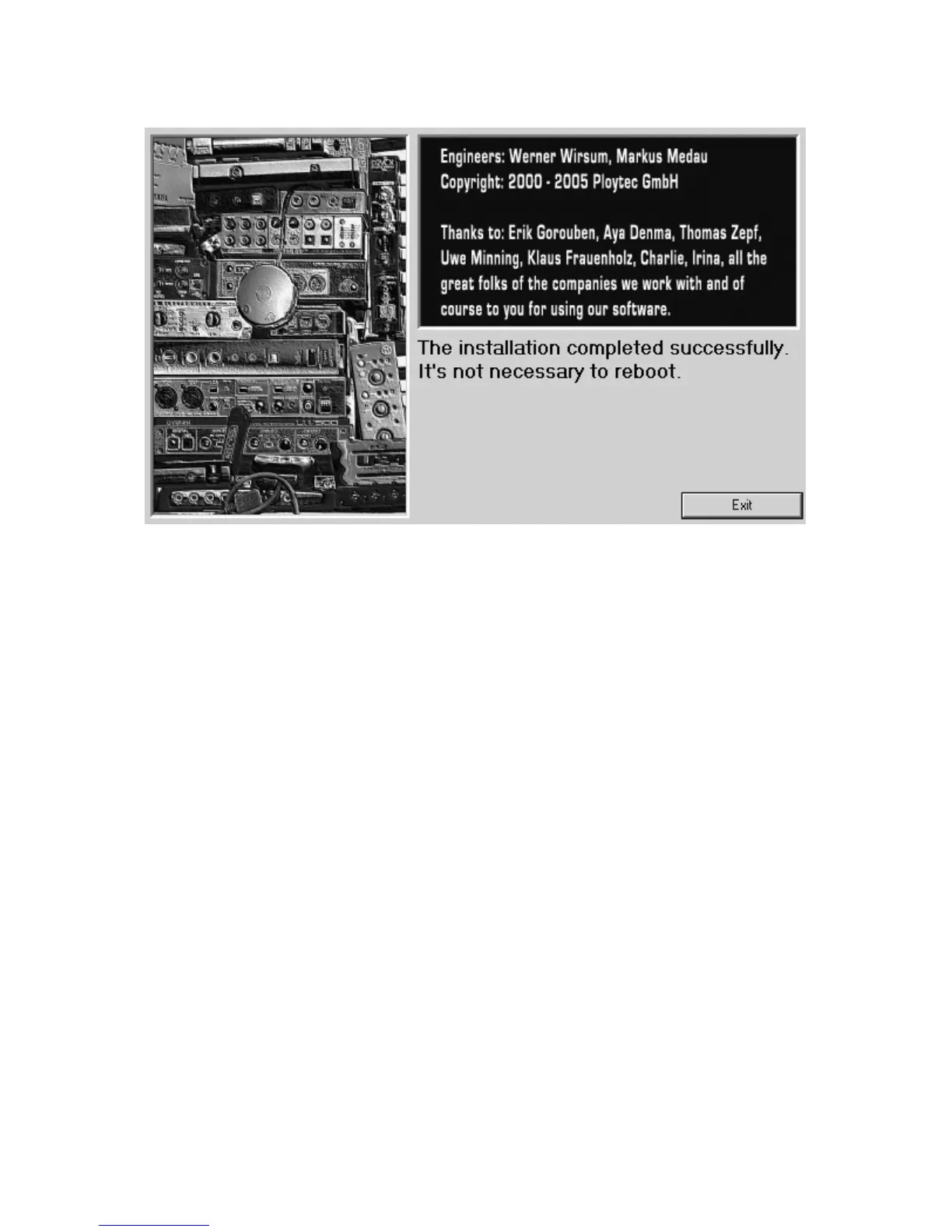
The completion of the installation can be confirmed on the screen above with Exit.
Congratulations! You have now completed the installation of the special ASIO driver
successfully and the installation of MAYA 44 SPECIAL EDITION has been completed now.
With the installer, you can also remove the driver again. If you want to do that, launch
setup.exe again and then choose the option Uninstall the driver.
3. Setting in Applications
This chapter contains basic configuration examples for some popular software
applications. Please always also refer to the manual of every audio software you use for
detailed information.
ASIO Control Panel
Nearly every ASIO application provides you with an ASIO Control Panel (in the audio
device settings). In most ASIO applications, you can use following settings as default (see
following page):



 To Next Page